







































Tally export
Exports the workspace's sales invoices, payment receipts, refunds and TDS entries as Tally XML vouchers, so they can be imported into Tally Prime and the books stay in step without retyping.
| At a glance | |
|---|---|
| Type | Add-on module |
| Group | Bill |
| Price | ₹299 per month (list price) |
| Provides | Export vouchers for accounting software |
| Needs | Invoicing, where the invoices and payments are |
| Offered to | Every industry pack |
| Permission | Manage add-ons (addons.manage) to switch on; View invoices to download |
What it does
Tally export is a pure unlock: no keys, no outside service. Switching it on adds Tally vouchers (date range) to the Exports dialog on the Invoices screen. One download is one Tally Prime import file for the dates picked.
| Voucher | One per | Entries | Voucher number |
|---|---|---|---|
| Sales | issued invoice | The customer debited with the total; Sales credited with the taxable value, and each GST head (CGST, SGST, IGST, UTGST) with its tax |
The invoice number |
| Receipt | payment received against an invoice | Cash debited; the customer credited |
<invoice>-R<id> |
| Payment | refund | The customer debited; Cash credited |
<invoice>-RF<id> |
| Journal | TDS a customer deducted, dated the day it was deducted | TDS Receivable debited; the customer credited |
<invoice>-TDS<id> |
| Journal | that TDS removed later, dated the day it was removed | The customer debited; TDS Receivable credited |
<invoice>-TDS<id>-R |
Amounts follow Tally's convention: a debit is negative. The customer's ledger is named exactly as the contact is named.
Switching it on
- Go to Workspace → Modules, filter to Add-on modules. Tally export is under Bill.
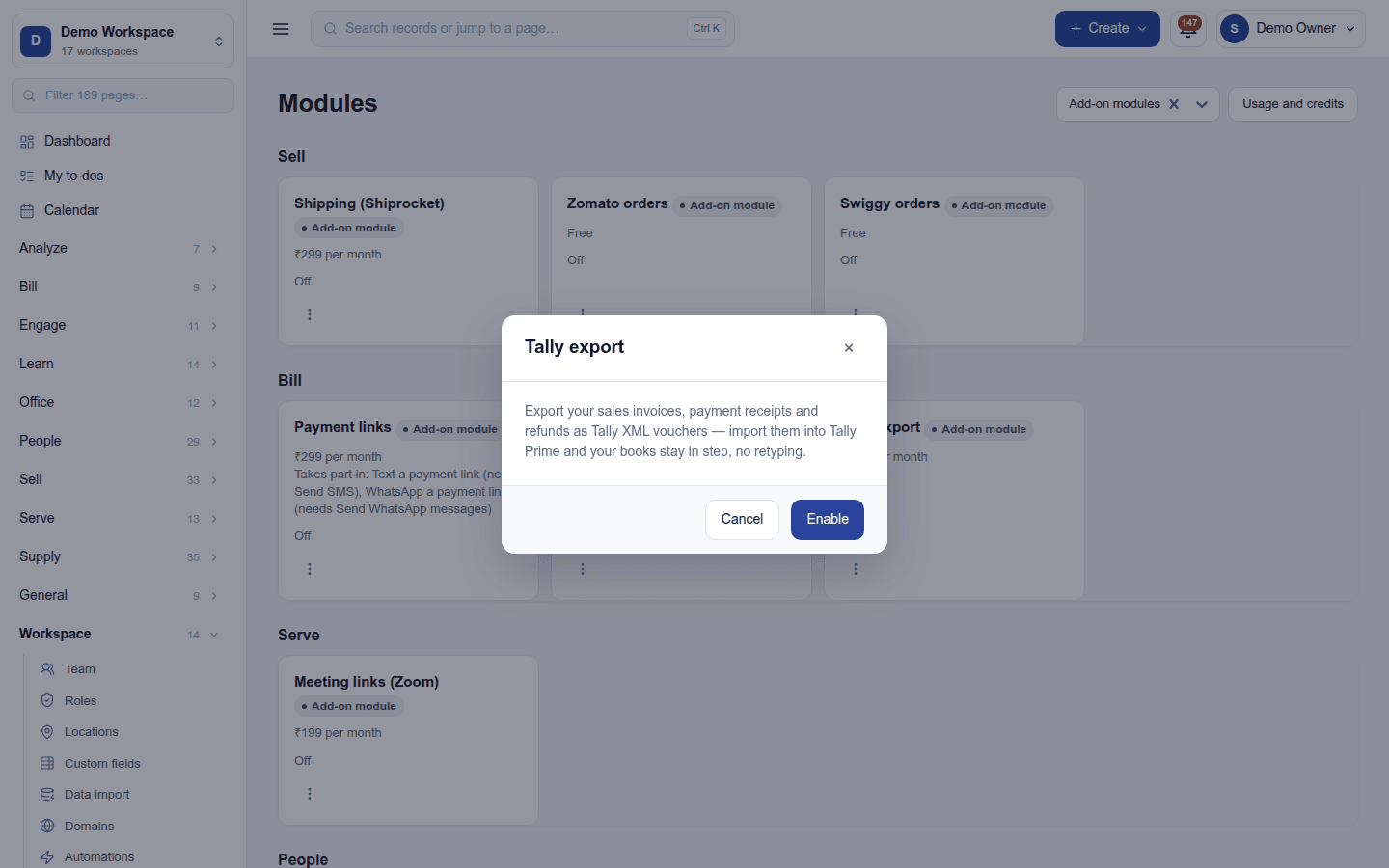
- Open its ⋮ menu and choose Enable. The dialog only describes what it does; press Enable.
In Tally, once: create the ledgers Sales, CGST, SGST, IGST and Cash (and TDS Receivable if customers deduct TDS) before the first import.
Downloading vouchers
- Open Bill → Invoicing and press Exports.
- Under Tally vouchers (date range), pick the Date range.
- Press Download XML, then import the file in Tally Prime.
The Exports dialog looks like the one shown in GST returns, with the Tally section below the GST one when both add-on modules are on.
Which dates: the range is calendar dates on the workspace's clock (the time zone under Settings → Business day, else the country's), the same rule as the GST returns. A receipt or refund is dated the day the money moved, the date entered with it, not the day it was keyed.
Not in the file (enter these in Tally by hand):
- an advance: a deposit with no invoice behind it;
- a credit note: there is no Credit Note voucher;
- opening balances carried in at go-live.
Before importing a range twice, check the voucher numbers, or Tally can end up holding the same voucher twice.
Turning it off
Turn off on the ⋮ menu asks first. The Tally section leaves the Exports dialog. Nothing is lost: files are built on demand.
Ready-made automations
None. An export is made on demand.
In the desktop and mobile apps
Not carried.