







































Recruitment
Hires people: job openings published on the workspace's careers page, applications taken online, candidates moved through configurable stages, interviews with forms and feedback, refusal with a reason, talent pools for later, and applicant data kept only as long as allowed.
| At a glance | |
|---|---|
| Type | Business module |
| Group | People |
| Needs | HR core |
| Needed by | Employee referrals |
| Included in | Schools & colleges, Manufacturing, Restaurant and others |
| Offered to | Every industry pack |
| Permissions | View recruitment (recruitment.view), Manage recruitment (recruitment.manage) |
Switching it on
Workspace → Modules → Recruitment → Enable (needs Manage modules). HR core must be on first. Recruitment, Candidates, Talent pools and Interviews appear under People, and Settings gains a Recruitment page.
Job openings
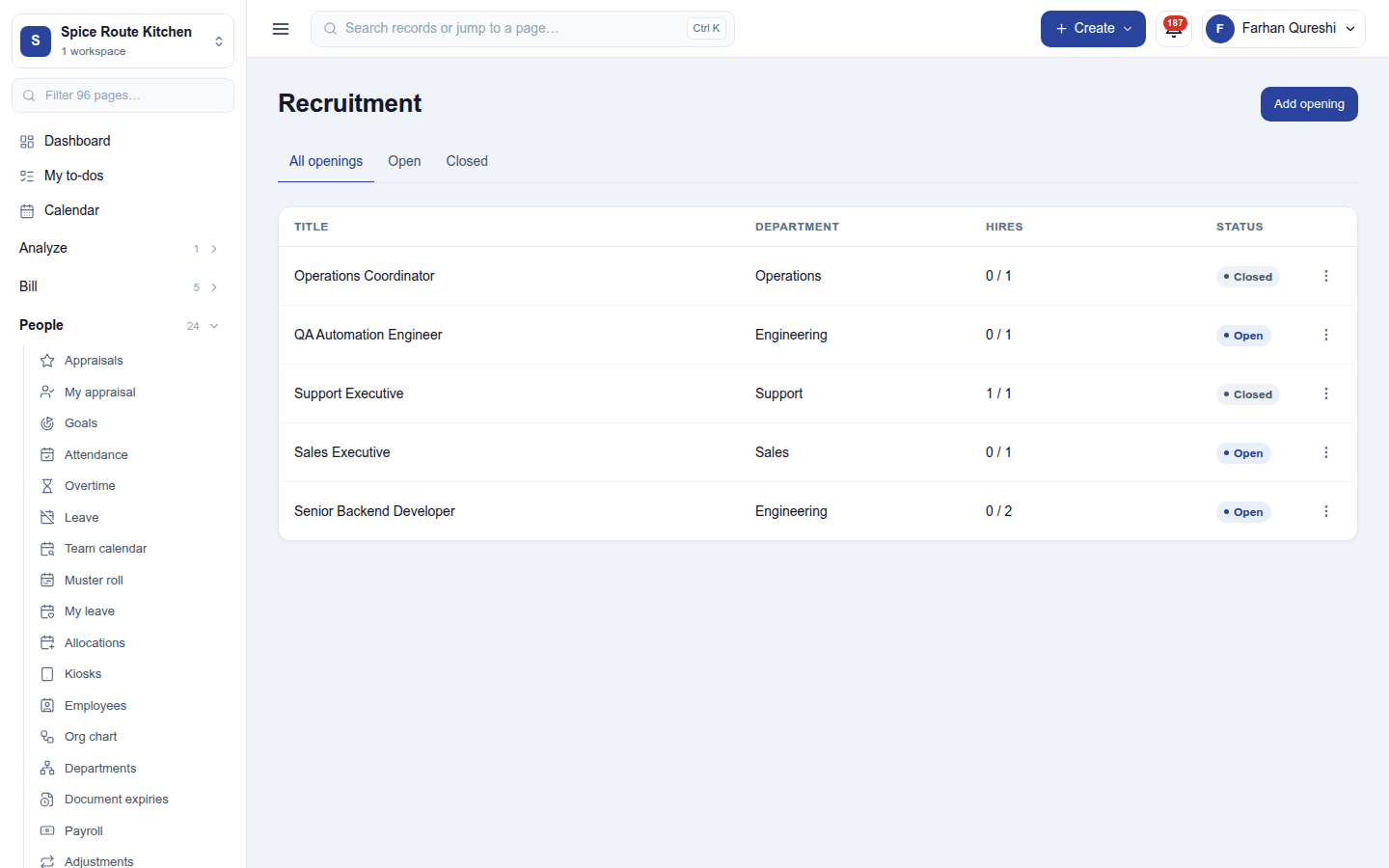
People → Recruitment lists the openings with their department, hires against the target (0 / 2) and status (Open or Closed). Add opening describes the job: its title, the job position it hires into, department, location, how many to hire, the description, the hiring manager and interviewers, and whether it is published on the careers page. An opening's pipeline shows its candidates as cards, one column per stage.
Candidates
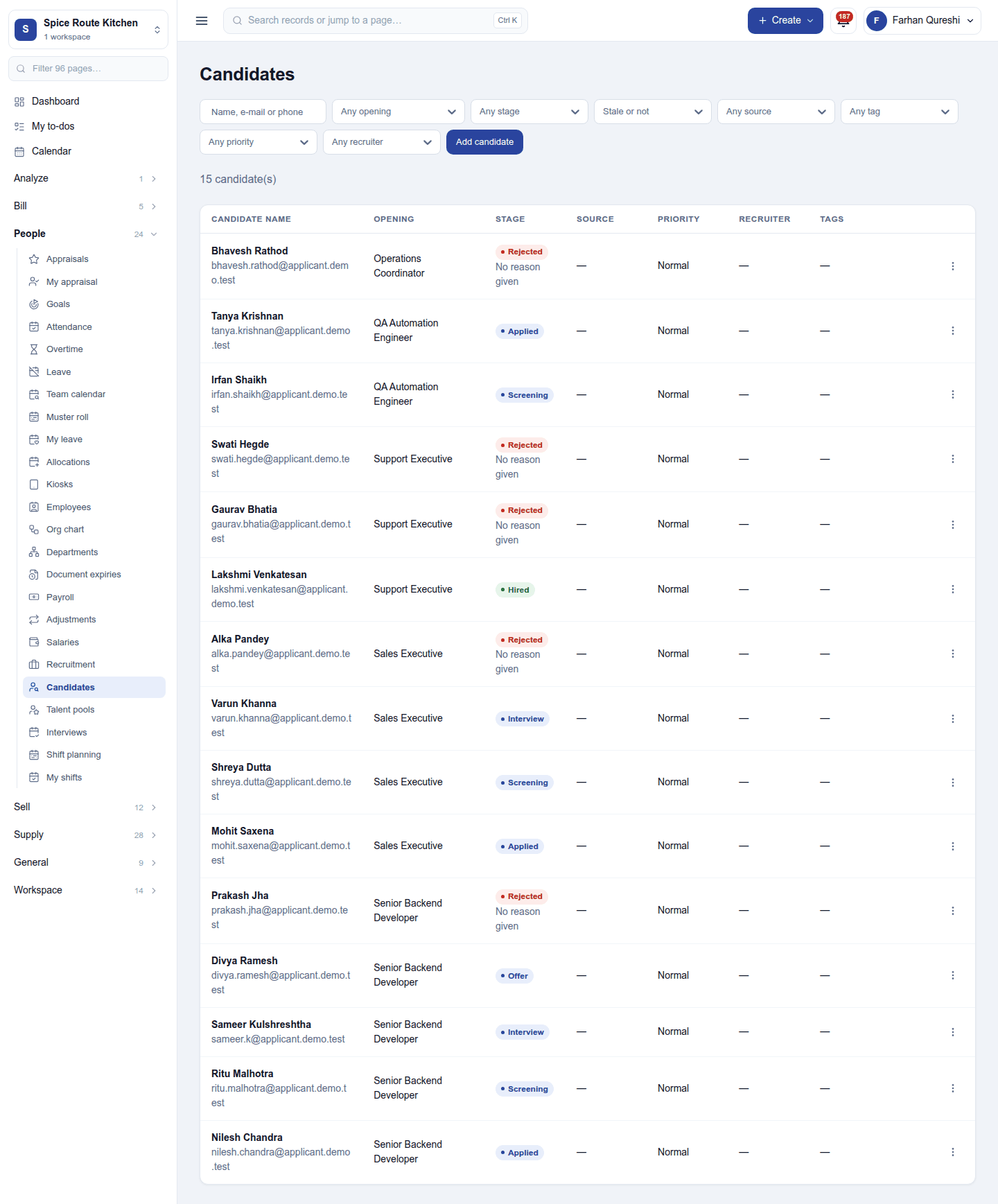
People → Candidates lists every candidate with the opening, stage, priority, referrer and tags; filter by opening, stage, source, tag and more. Add candidate records one by hand; applications from the careers page arrive by themselves. A candidate holds their CV and documents, their profile and tags, and the interviews and their feedback. A candidate who applied before is flagged as a possible duplicate.
Each candidate moves through the workspace's stages (such as New, Screening, Interview, Offer, Hired), which each workspace reshapes in Settings. A candidate waiting too long in one stage is flagged. Refuse asks for a refusal reason and can send the refusal message; a refused candidate can be added to a talent pool and considered for another opening later.
Interviews
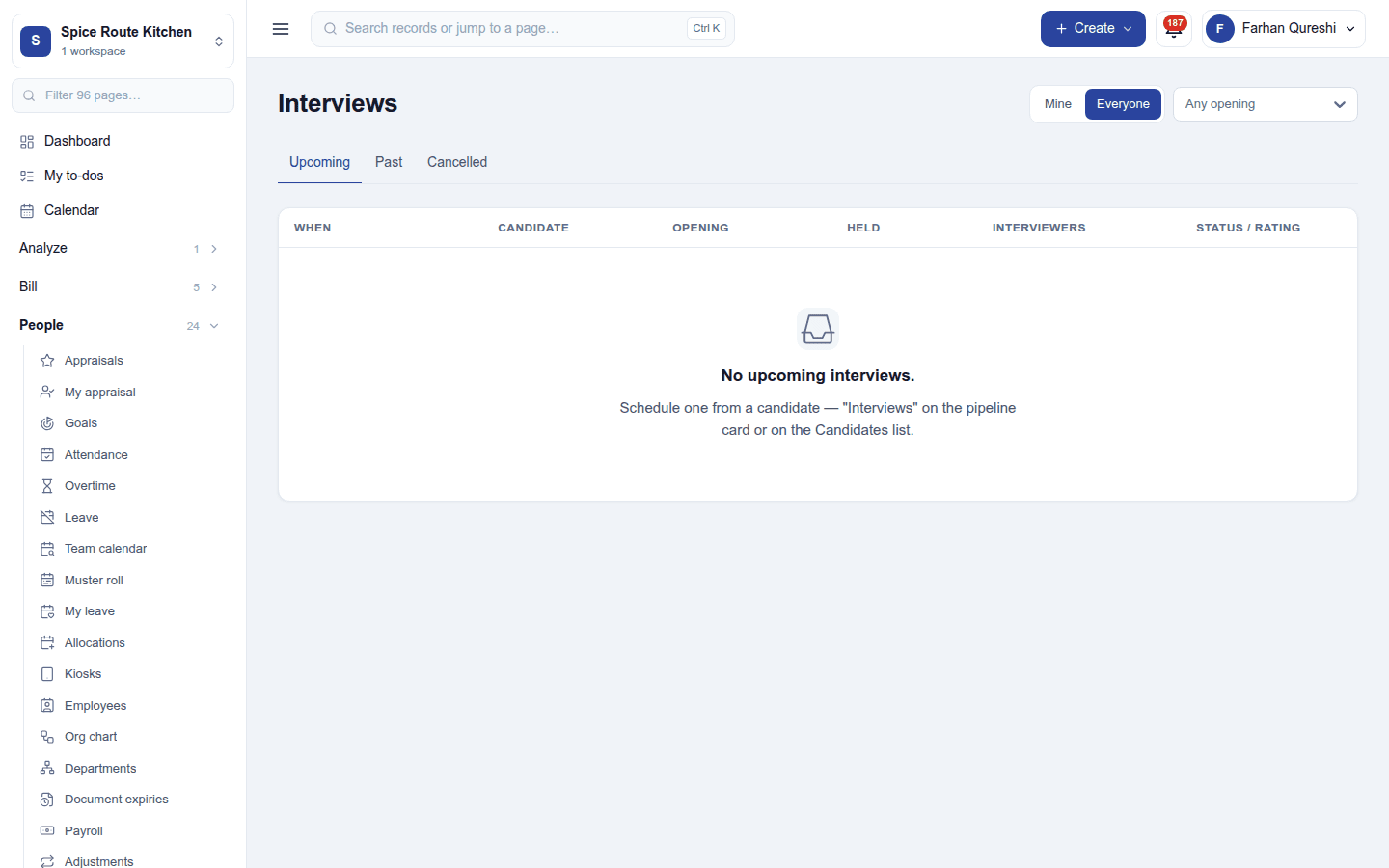
People → Interviews lists upcoming, past and cancelled interviews (yours, or everyone's), with the candidate, opening, interviewers and rating. An interview is scheduled from a candidate, in person or by video (with Meeting links (Zoom), Create a video link); the candidate is emailed. Interviewers fill in an interview form and give feedback, and forms can be compared side by side.
The careers page
Published openings appear on the workspace's careers page, where people apply online (and are thanked by email). Share links give a tracked link per channel.
Settings
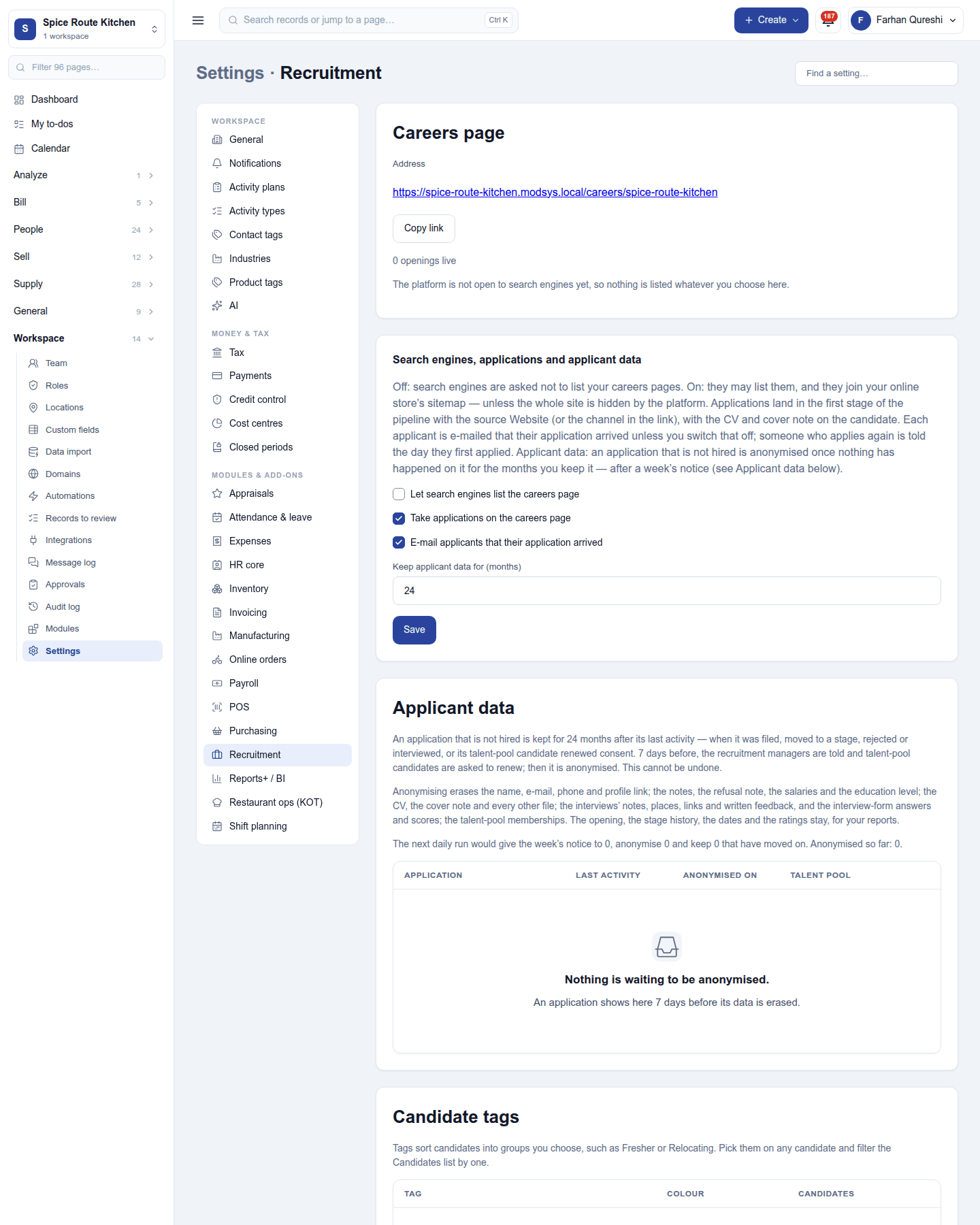
Settings → Recruitment:
| Setting | Default | What it does |
|---|---|---|
| Let search engines list the careers page | Off | Lets the careers page be indexed. |
| Take applications on the careers page | On | The Apply form on each published opening. |
| E-mail applicants that their application arrived | On | The acknowledgement email. |
| Keep applicant data for (months) | 24 | After this, applicant data is anonymised (with a list of what is waiting). |
The same page keeps the stages, refusal reasons, candidate tags and interview forms.
Permissions
| Permission | Allows |
|---|---|
View recruitment (recruitment.view) |
See openings, candidates and interviews. |
Manage recruitment (recruitment.manage) |
Post openings, move candidates through stages, schedule interviews, refuse and hire. |
Ready-made automations
| Name | Kind | What it does | Starts |
|---|---|---|---|
| Tell me about new applicants | Rule | Tells the workspace owner when someone applies for an opening. | On |
| Tell me when an applicant has waited too long | Rule | Tells the workspace owner when an applicant sits in one stage too long. | On |
Turning it off
The recruitment screens leave the menu and the careers page stops taking applications. Employee referrals needs Recruitment, so it must be switched off first. Openings and candidates are kept.
In the desktop and mobile apps
Not carried.