







































Reservations
The front desk of a hotel or guest house: room types and rooms, rates and stop-sell by date, booking stays, checking guests in to a room, charging everything to the room's folio, checking out on one bill, and the housekeeping board.
| At a glance | |
|---|---|
| Type | Business module |
| Group | Sell |
| Needs | Nothing. The folio is an ordinary order, and check-out issues an ordinary invoice. |
| Included in | Hotel / guest house, PG & student housing |
| Offered to | Hotel / guest house, PG & student housing, Association & club, Trusts & non-profits, Restaurant, Housing society & RWA |
| Permissions | View reservations (reservations.view), Manage reservations (reservations.manage), Housekeeping (reservations.housekeeping) |
What it does
A stay is sold against a room type; a physical room is handed over only at check-in. The bill, the folio, stays open for the length of the stay, so the restaurant, the minibar or the spa can charge to it, and check-out settles it once.
Switching it on
Workspace → Modules → Reservations → Enable (needs Manage modules). Reservations, Rooms and Rates appear under Sell.
Rooms
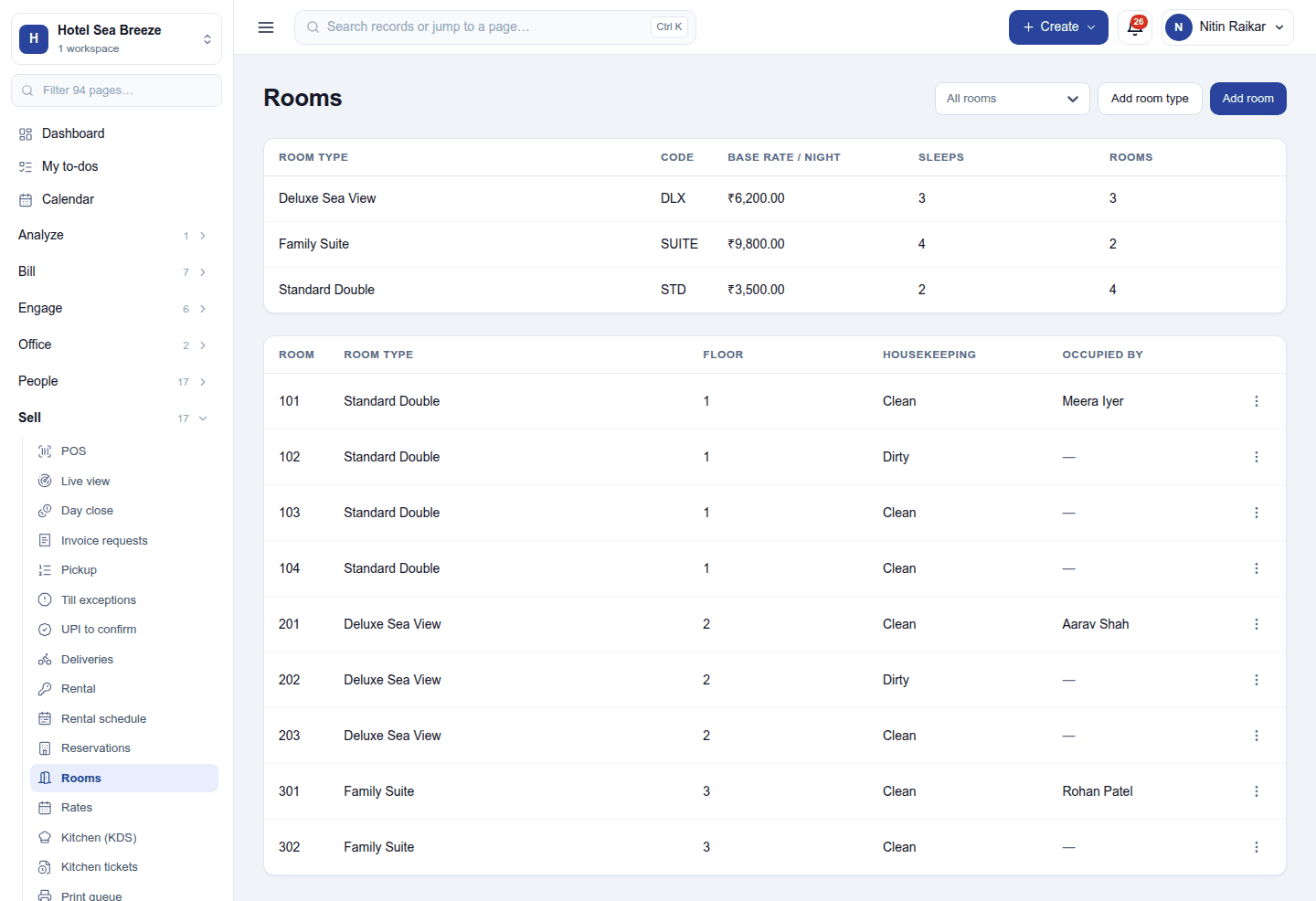
Sell → Rooms keeps:
- Room types: what is sold (Deluxe Sea View), with its code, base rate per night, how many it sleeps and how many rooms it has. Add room type.
- Rooms: each physical room with its number, type, floor, housekeeping state (clean, dirty, inspected or out of order) and who occupies it. Add room. A room out of order is not sold.
Rates
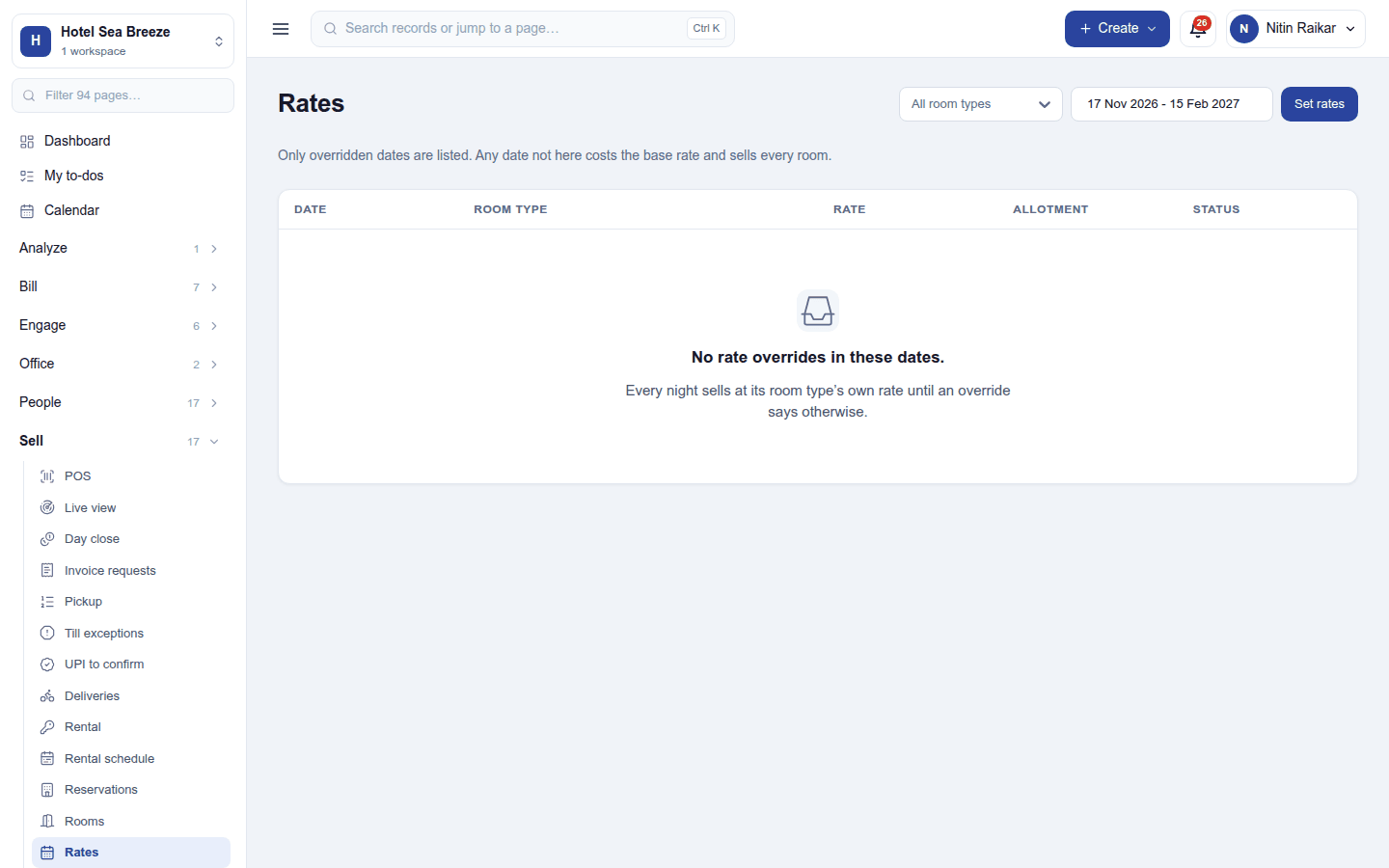
Sell → Rates overrides the base rate over a range of dates (the whole of Diwali week costs this): a rate, an allotment (how many rooms of the type are on sale) and closed (stop-sell). A date never touched sells at the base rate.
The front desk
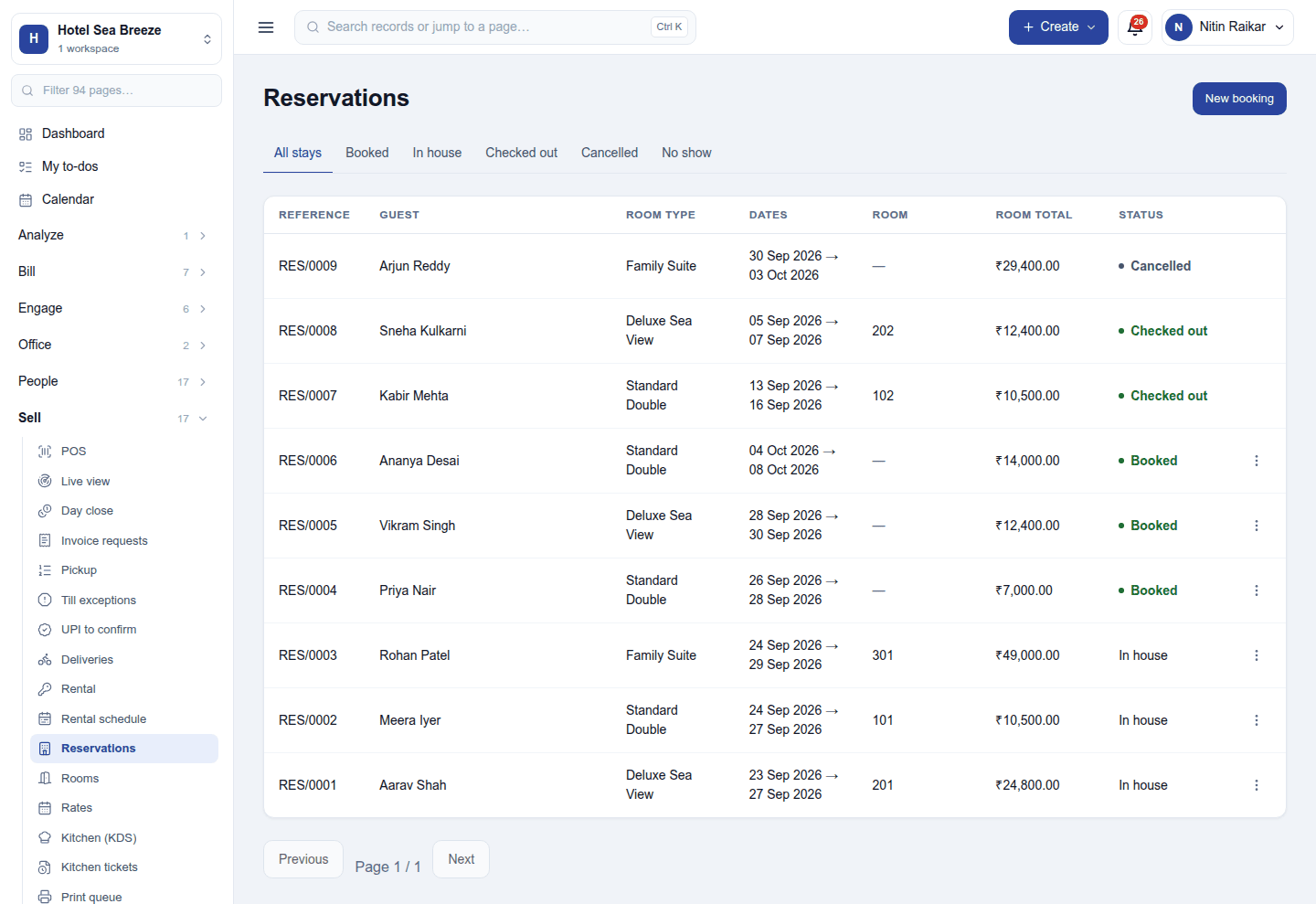
Sell → Reservations lists every stay: reference (RES/0009), guest, room type, dates, room, room total and status. The tabs filter All stays / Booked / In house / Checked out / Cancelled / No show.
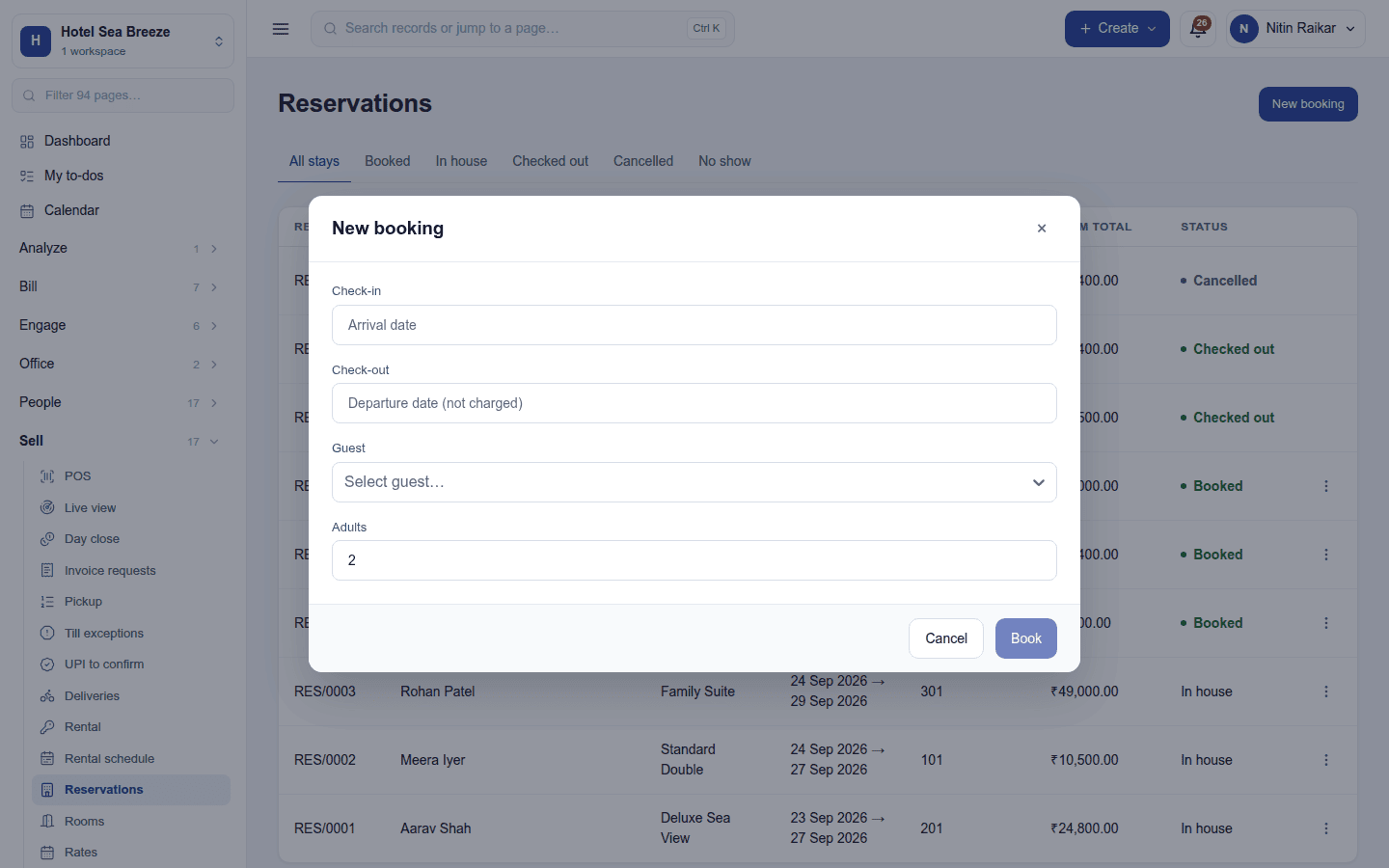
- New booking: pick the arrival and departure dates. Each room type shows how many are free (the scarcest night of the stay) and what the whole stay costs. Pick a type and the guest, and Book. The price is fixed at booking.
- Check in: hands over a room (the cleanest free room of the type, or one you name) and opens the folio with one line per night at that night's rate.
- Charge to the room: anything else the guest has posts to the same folio.
- Check out: settles the whole stay as one invoice, with the payments split across methods as needed. The room comes back dirty for housekeeping.
A booked stay can be cancelled or marked a no-show, and its room goes back on sale. A checked-in stay cannot: its folio has to be settled.
Permissions
| Permission | Allows |
|---|---|
View reservations (reservations.view) |
See bookings, rooms, rates and folios. |
Manage reservations (reservations.manage) |
Book stays, check guests in and out, settle folios, keep rooms and rates. |
Housekeeping (reservations.housekeeping) |
Mark rooms clean, dirty, inspected or out of order, without taking payments. |
Ready-made automations
| Name | Kind | What it does | Starts |
|---|---|---|---|
| Confirm a booking to the guest | Rule | Emails the guest when a room is booked. | On |
| Remind the guest the day before arrival | Rule | The day before check-in, emails the guest. | On |
| Email the booking details | Action (on a booking) | Sends the guest their booking dates again. | On |
Turning it off
The three screens leave the menu and the guest emails stop. Stays, rooms, rates and invoices are kept.
In the desktop and mobile apps
Not carried.
Related guides
- Reservations (detail), Hostel (long stays for students), POS (charging the restaurant to a room)
- Module guides index