







































Fleet
Keeps the workspace's own vehicles: their particulars, drivers, odometer readings, fuel, services and recurring costs, insurance and permits with their expiry, and what each vehicle costs per kilometre or mile; and lets an order be delivered on one of them.
| At a glance | |
|---|---|
| Type | Business module |
| Group | Office |
| Needs | Nothing. Bills from garages can come through Purchasing. |
| Included in | Repairs & field service, Classes & coaching, Wholesale & building materials, Rental & hire |
| Offered to | Every industry pack |
| Permissions | View fleet (fleet.view), Manage fleet (fleet.manage) |
Switching it on
Workspace → Modules → Fleet → Enable (needs Manage modules). Fleet, Services and Vehicle documents appear under Office.
Vehicles
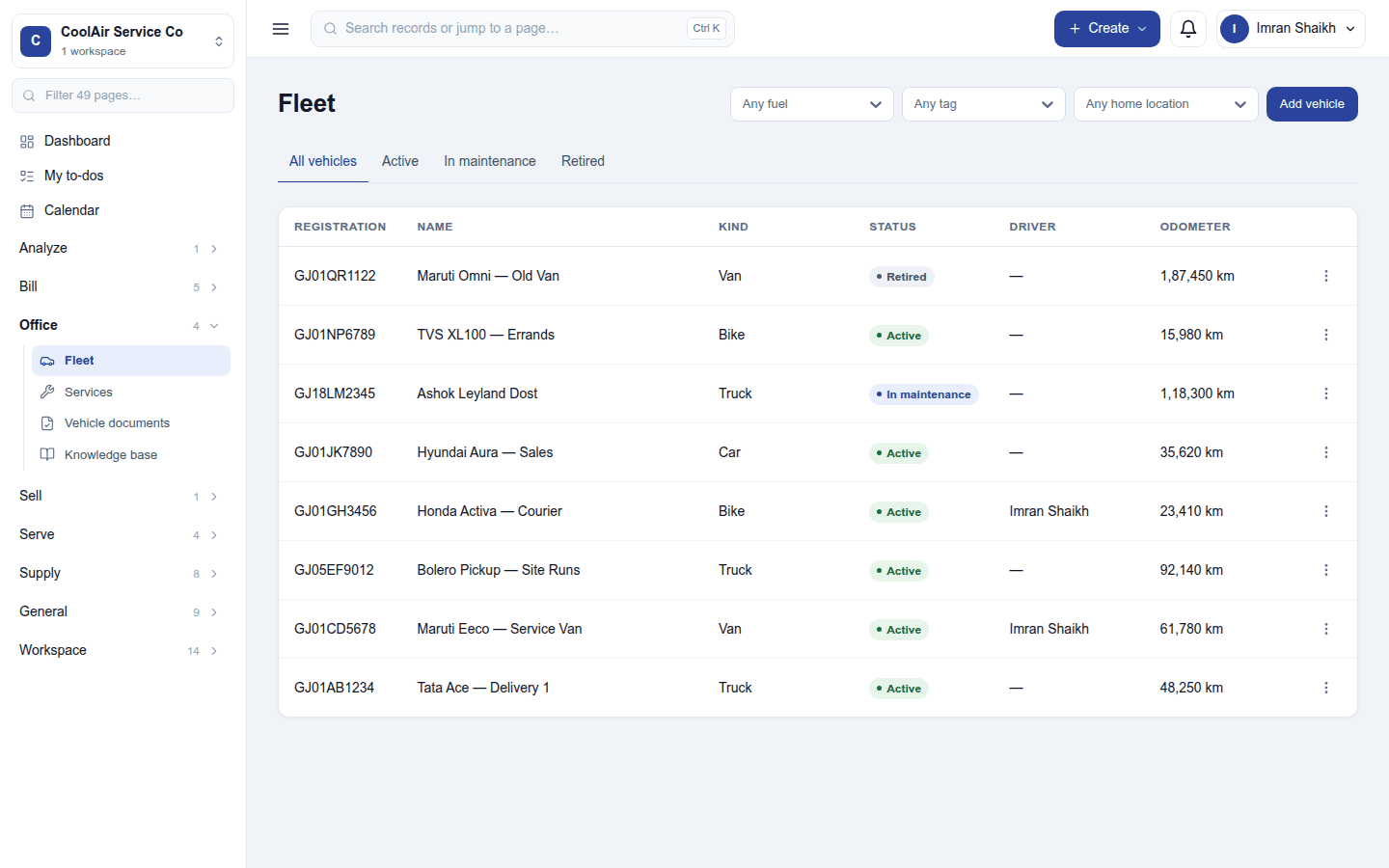
Office → Fleet lists each vehicle by registration, name, kind (Car, Van, Truck, Bike …), status (Active, In maintenance, Retired), current driver and odometer; filter by fuel, tag and home location. Add vehicle records its particulars (make, model, year, fuel, tags, home location). A vehicle's ⋮ menu: Edit, Assign driver (a staff member or employee) and End assignment, Set to maintenance / Set to active, Retire, Archive. On the vehicle, record its odometer readings (and correct one), fuel, and recurring costs such as a lease or an EMI.
An order can be delivered on the workspace's own vehicle, with its driver, from the order's Shipments block.
Services and documents
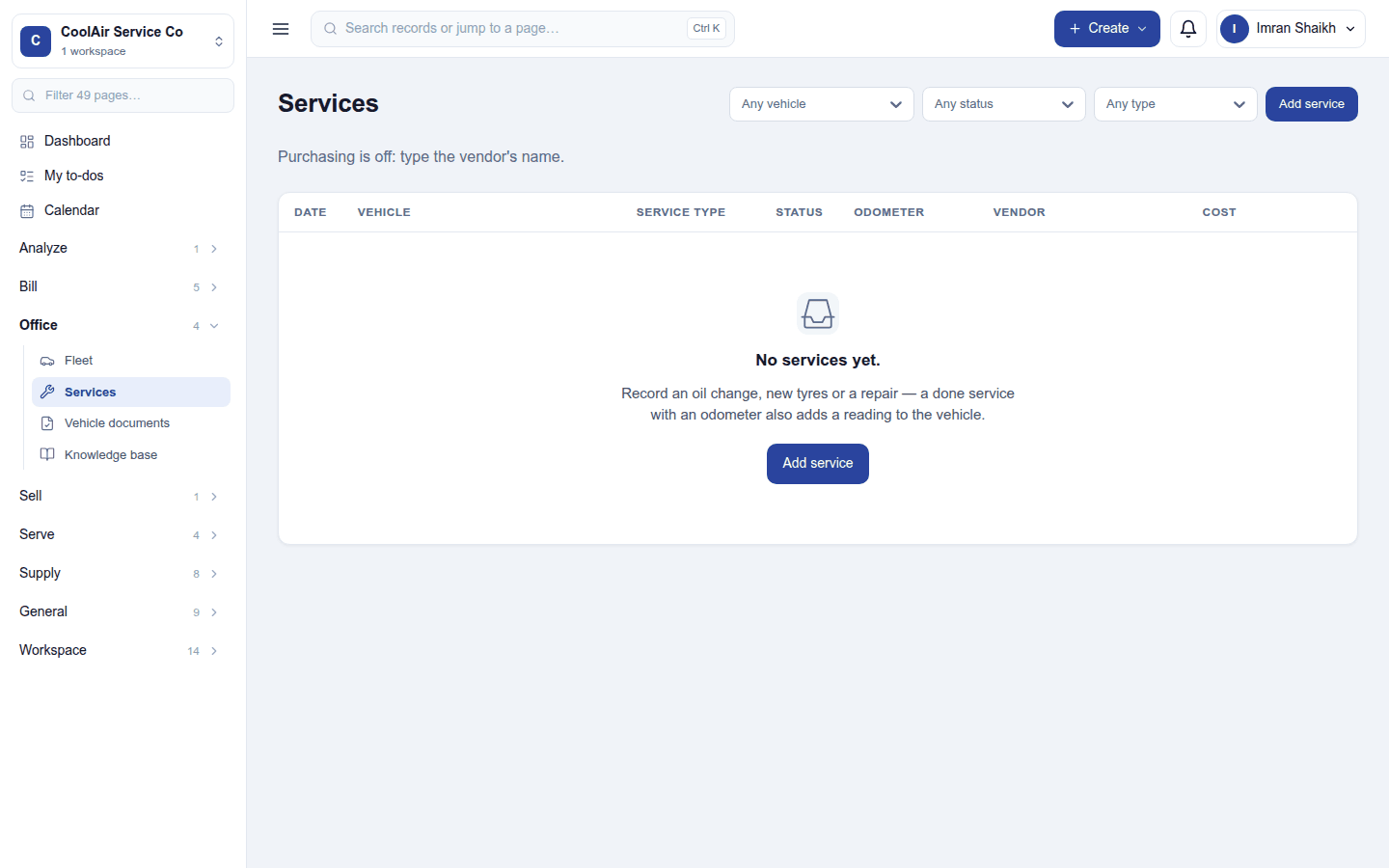
- Services: oil changes, new tyres, repairs: the date, vehicle, service type, status, odometer, vendor and cost. A done service with an odometer also records a reading.
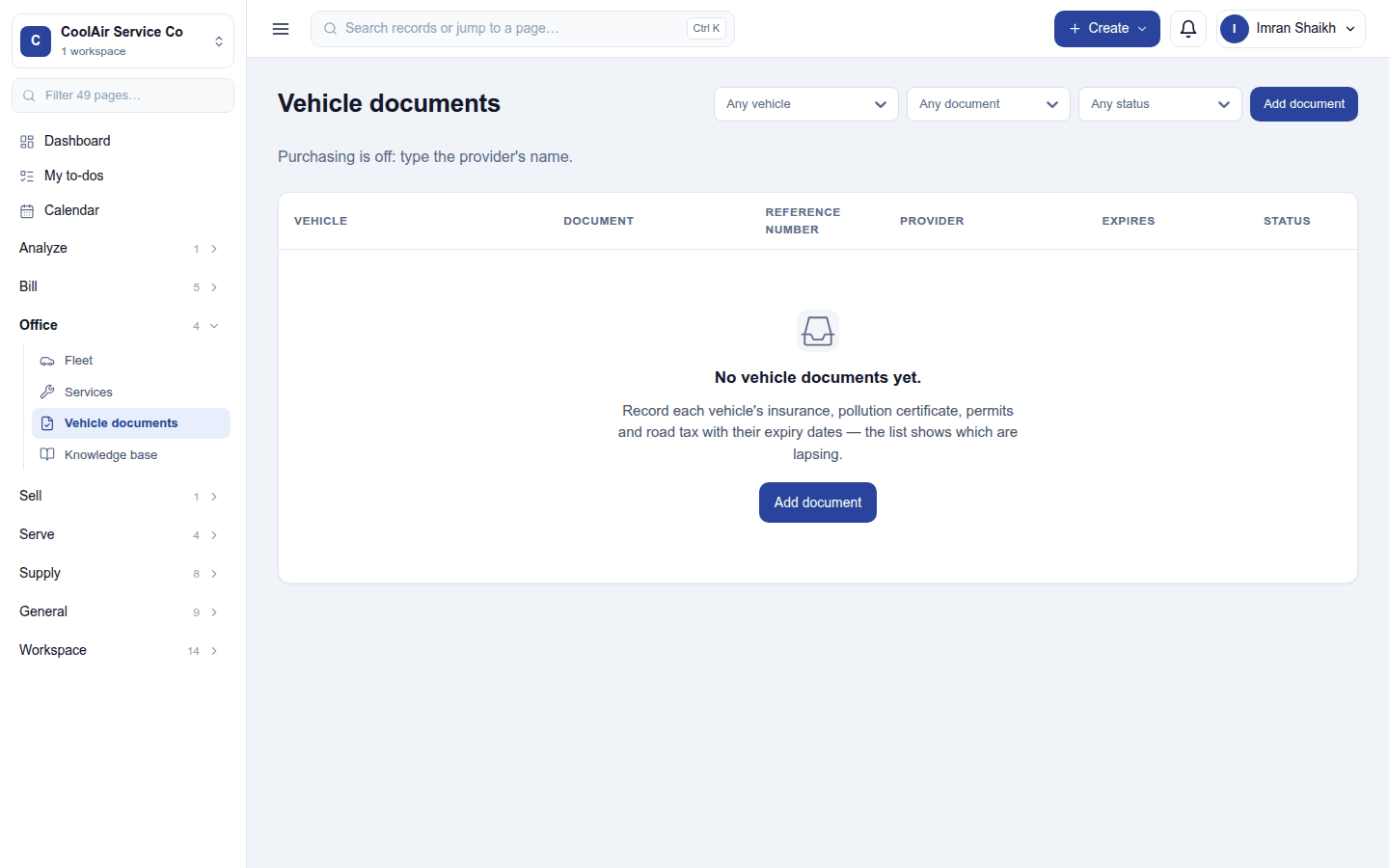
- Vehicle documents: insurance, pollution certificate, permits and road tax with their reference, provider and expiry, so the list shows which are lapsing.
Settings
Settings → Fleet: the odometer unit (automatic by country, kilometres or miles) and document reminders (days before a document expires; 0 = off).
Reports
Reports → Fleet: the vehicle cost and mileage report (cost per km or mile, by vehicle).
Permissions
| Permission | Allows |
|---|---|
View fleet (fleet.view) |
See vehicles, drivers and logs. |
Manage fleet (fleet.manage) |
Add vehicles, assign drivers, log readings, fuel, services and documents. |
Ready-made automations
| Name | Kind | What it does | Starts |
|---|---|---|---|
| Tell me when a vehicle document is about to expire | Rule | Tells the workspace owner before a vehicle's insurance, permit or other document expires. | On |
| Remind me of vehicle services due tomorrow | Rule | The day before a scheduled vehicle service, tells the workspace owner. | On |
Turning it off
The fleet screens leave the menu. Vehicles and their history are kept.
In the desktop and mobile apps
Not carried.
Related guides
- Maintenance (machines and equipment), Transport (school buses), Carbon & ESG
- Module guides index