







































Skills & certifications
Keeps the skills and certifications people hold, at what level and until when, the skills each job position requires, and who falls short; with reminders before a certification expires and a printable CV.
| At a glance | |
|---|---|
| Type | Business module |
| Group | People |
| Needs | HR core |
| Included in | Clinics, Manufacturing |
| Offered to | Every industry pack |
| Permissions | View skills (skills.view), Manage skills (skills.manage) |
Switching it on
Workspace → Modules → Skills & certifications → Enable (needs Manage modules). HR core must be on first. Employee skills, Skills inventory, Skills gaps, Required skills and Skills appear under People, and Settings gains a Skills page.
The skill library
People → Skills lists the skill types (Languages, Clinical skills, Licences), each with its levels (a scale such as Basic → Competent → Expert, with a default) and its skills. A type marked Certification holds licences, registrations or tickets, which carry a valid-until date.
Who holds what
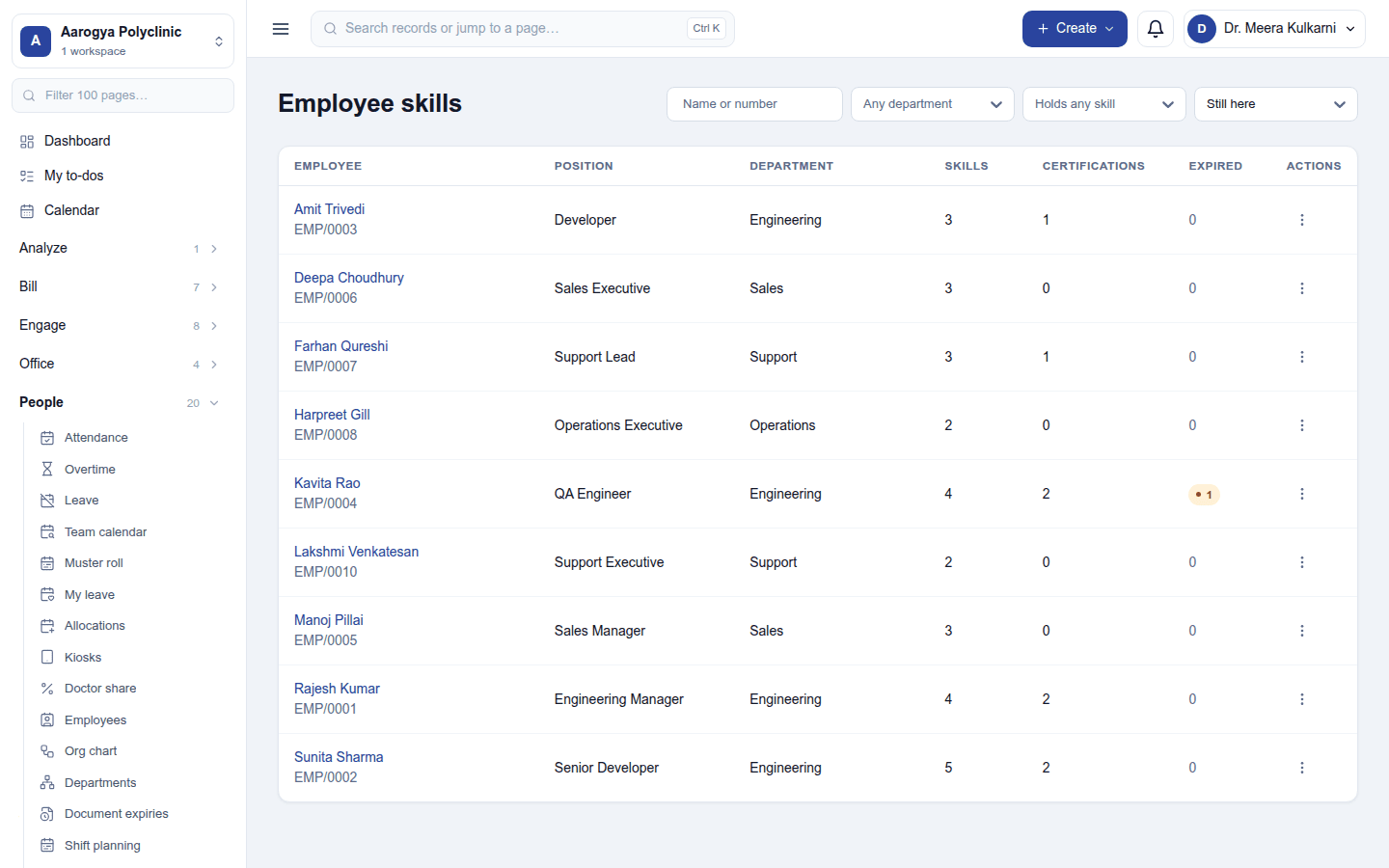
- Employee skills: each employee with their position, department, how many skills and certifications they hold, and how many have expired. Open one to add skills with their level, and certifications with their dates. Print CV prints their skills and certifications.
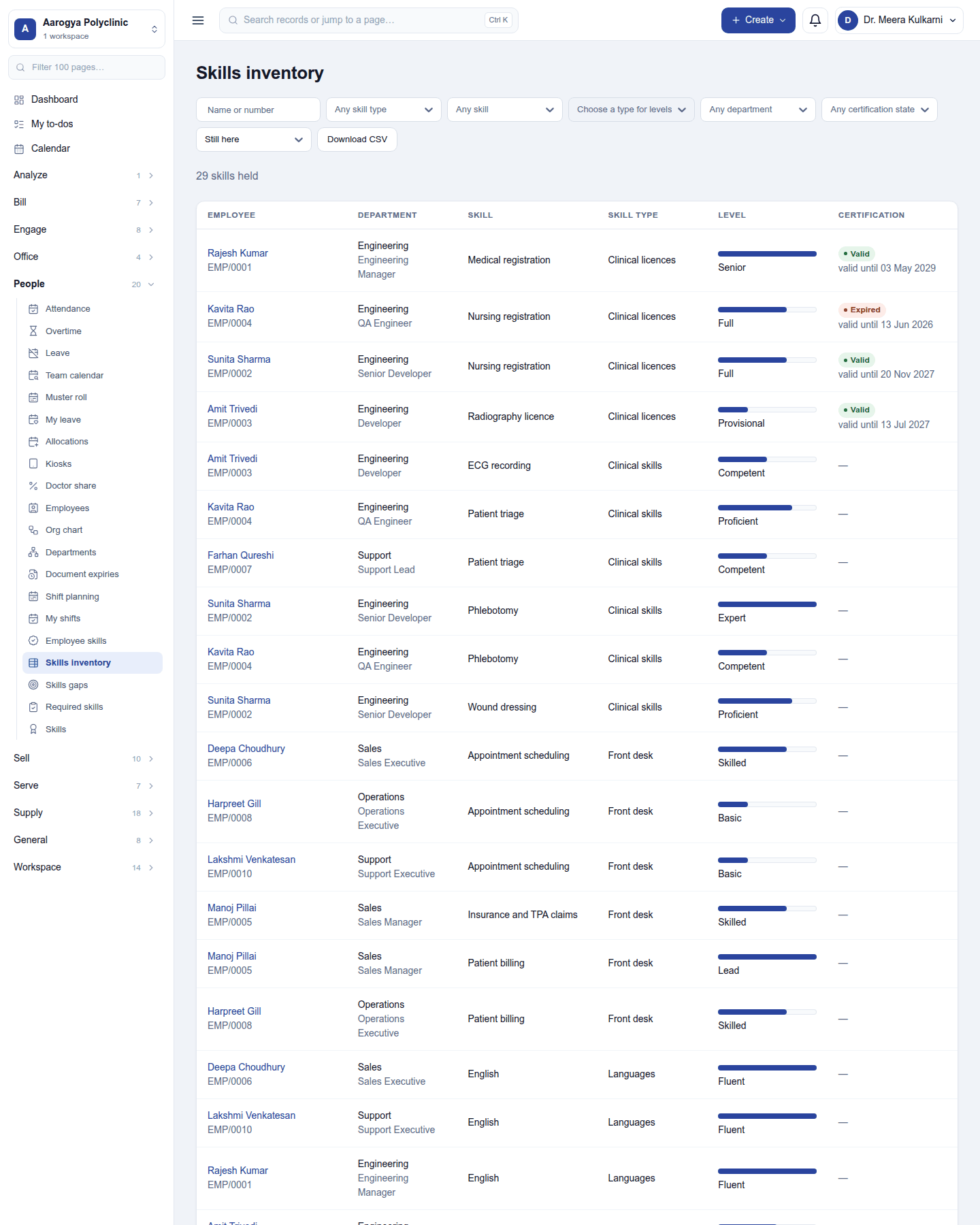
- Skills inventory: every skill held, one row per person and skill, with the level and the certification's validity; filter and download it.
What positions require, and the gaps
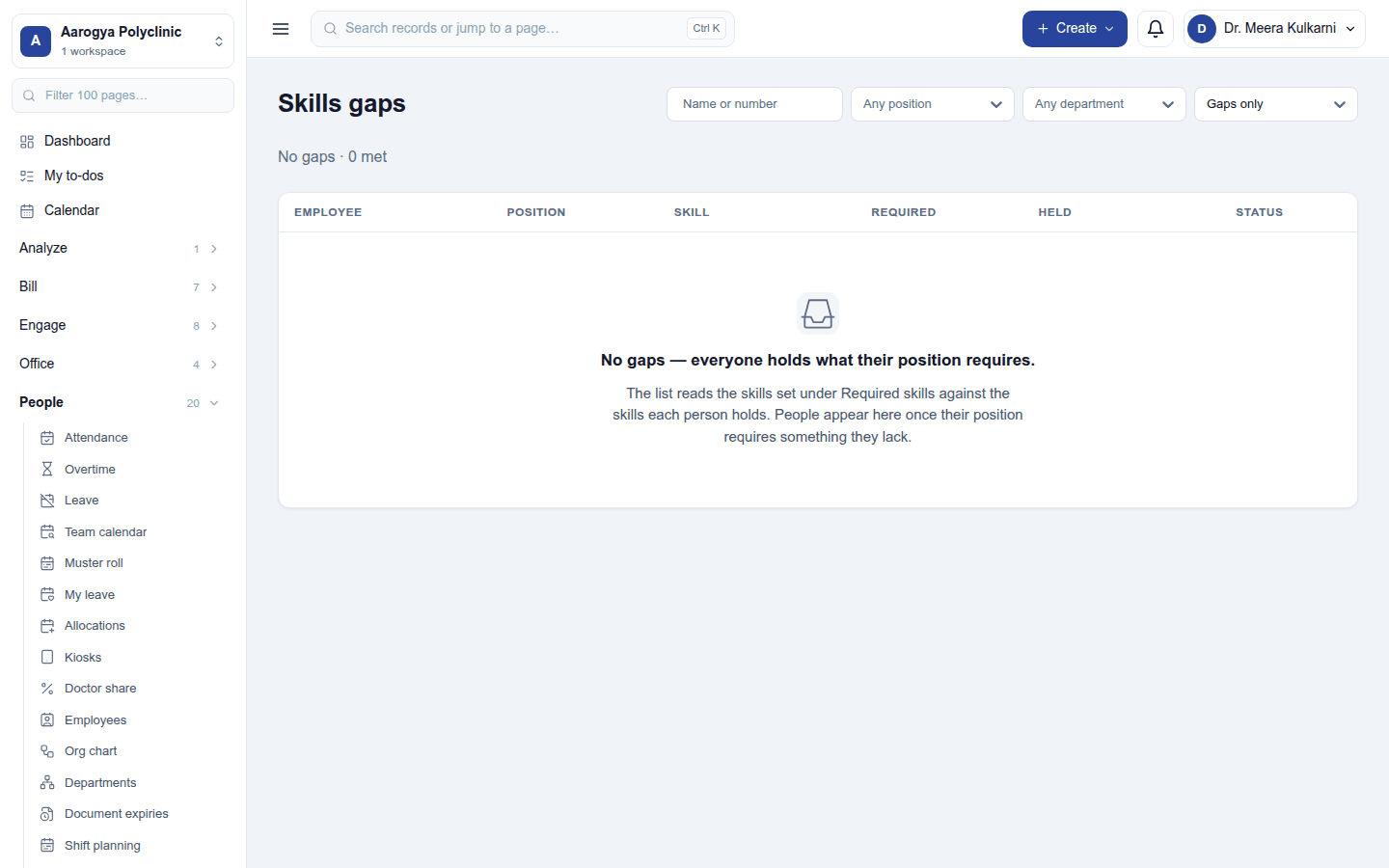
Required skills sets, for each job position, the skills it needs and at what level. Skills gaps lists the people who fall short of their position: the skill required, the level required, and what they hold.
Settings
Settings → Skills → Certification reminders: how many days before a certification expires to remind (0 = off).
Permissions
| Permission | Allows |
|---|---|
View skills (skills.view) |
See skills, certifications and who holds them. |
Manage skills (skills.manage) |
Keep the library and required skills, and record who holds what. |
Ready-made automations
| Name | Kind | What it does | Starts |
|---|---|---|---|
| Tell me when a certification is about to expire | Rule | Tells the workspace owner before an employee's certification expires. | On |
Turning it off
The skills screens leave the menu. Skills and certifications held are kept.
In the desktop and mobile apps
Not carried.