







































Quality
Checks what comes in, what is made and what goes out: inspections against control points, holding stock until it passes, non-conformance reports when something is wrong, specimen tests at set ages, measurement trends, and a second person's verification before a certificate prints.
| At a glance | |
|---|---|
| Type | Business module |
| Group | Supply |
| Needs | Inventory |
| Included in | Manufacturing |
| Offered to | Manufacturing, Bakery & sweet shop, Caterer, Restaurant, Farmer producer organisation, Exporter, Contractors, Wholesale, E-commerce, Shops & counters, Hotel / guest house, Clinics, Diagnostic lab |
| Permissions | View quality (quality.view), Manage quality (quality.manage), Verify inspections (quality.verify) |
Switching it on
Workspace → Modules → Quality → Enable (needs Manage modules). Inventory must be on first. The quality screens appear under Supply, and Settings gains a Quality page.
Control points: what is checked, and when
A control point says what to check and where: on incoming deliveries, at a production stage, or before dispatch, for every product or some, from one supplier or any. Its checks are pass/fail questions or measurements with limits (for a measurement: the target and the tolerance). Control points lists them, with New control point.
Inspections
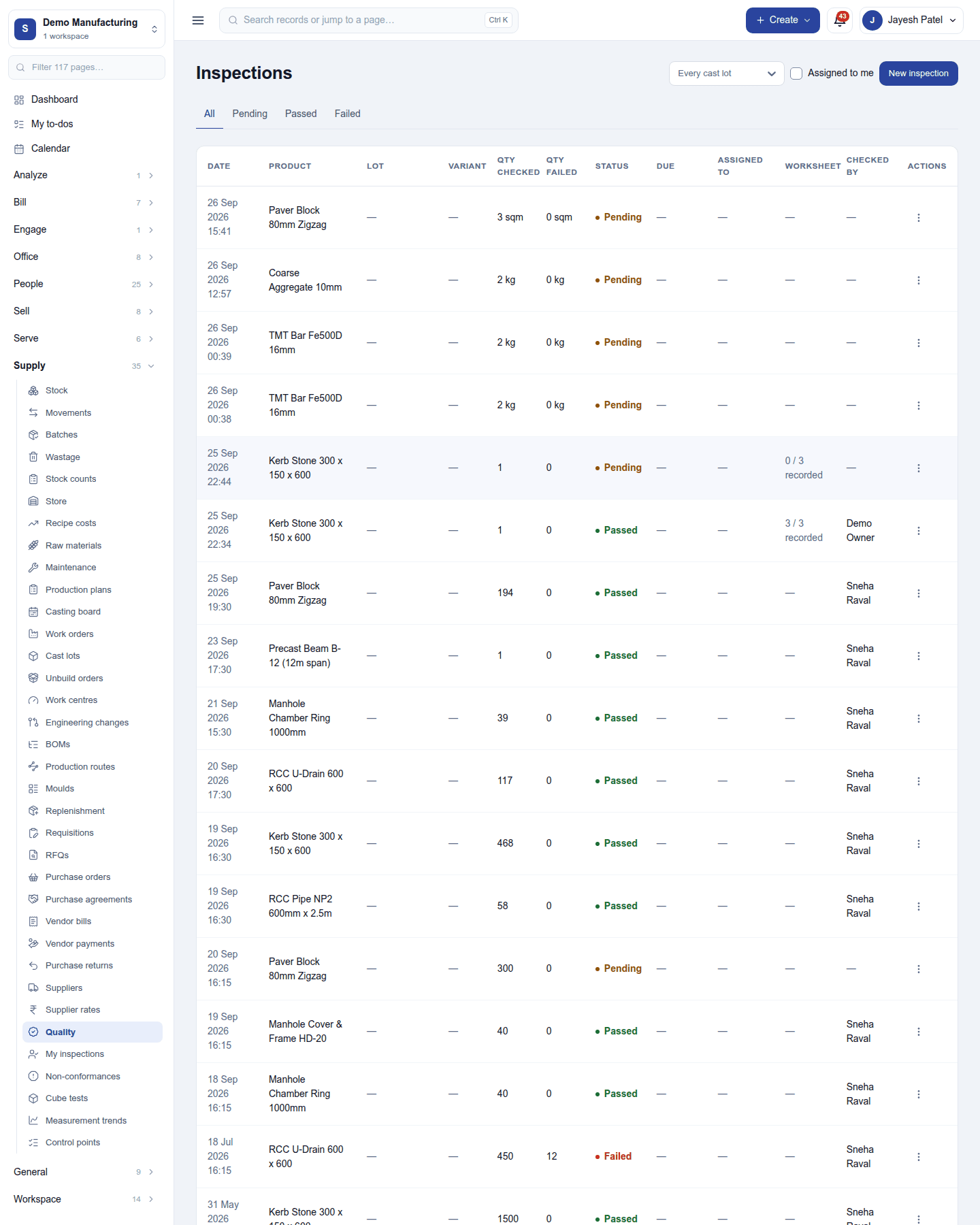
Supply → Quality lists every inspection: when, the product and lot, how much was checked and failed, status (Pending, Passed, Failed), due date, who it is assigned to, the worksheet and who checked it. Filter by tab and by lot, or Assigned to me; My inspections shows only yours. New inspection raises one by hand.
Inspections are raised by themselves:
- Incoming: each goods receipt line a control point covers opens an inspection, and the stock is held until it is passed or failed. Settings → Quality → Which deliveries are inspected can inspect every delivery.
- Production stages marked as quality gates, and before dispatch, the same way.
Recording an inspection fills its checks and gives a verdict. A pass releases the stock; a fail keeps it held and can raise a non-conformance. An inspection certificate prints once the verdict stands.
Non-conformances
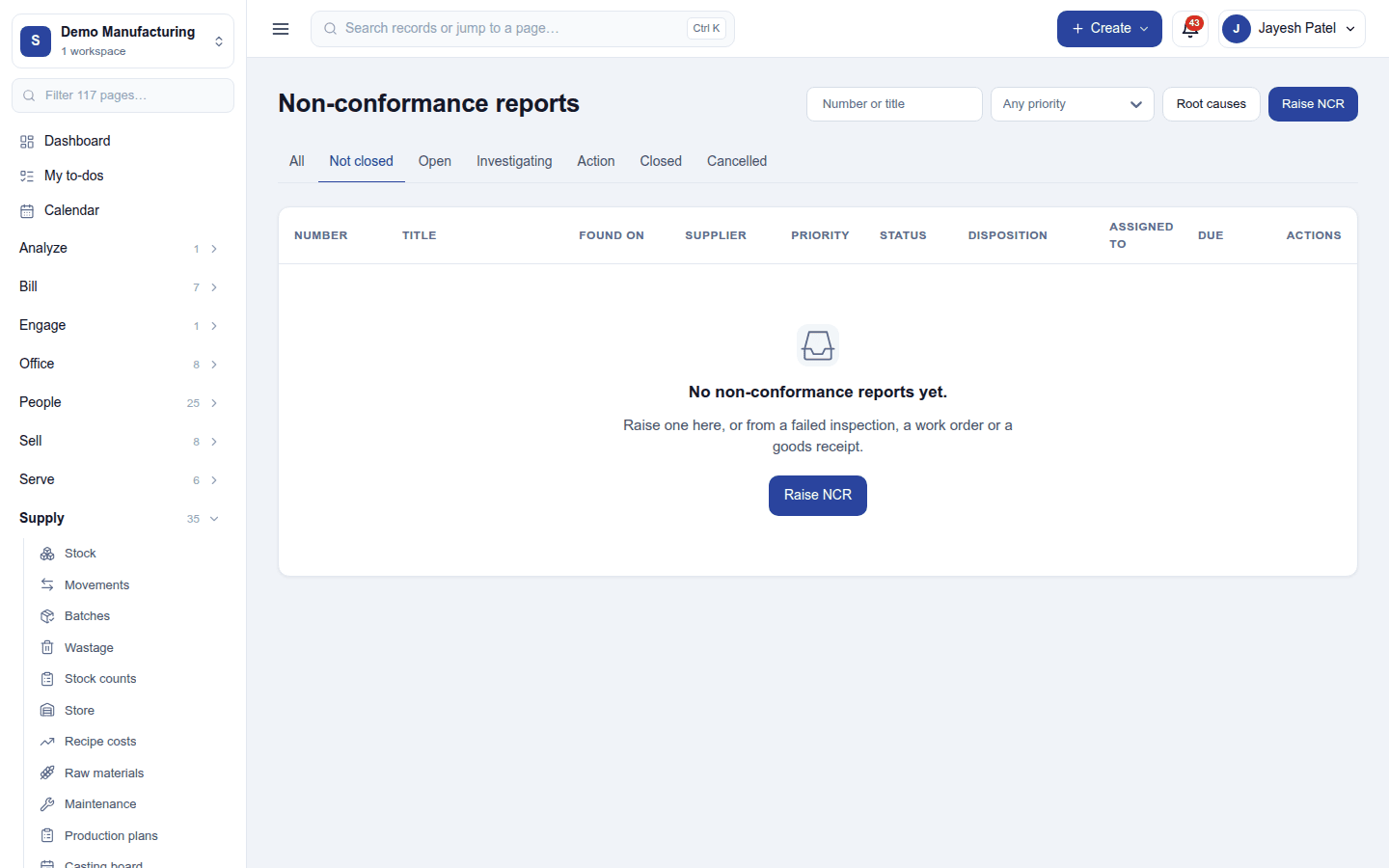
Non-conformances (NCRs) record what went wrong: found on (a delivery, a run, an inspection), supplier, priority, who it is assigned to and the due date. Each moves Open → Investigating → Action → Closed, with a disposition (use as is, rework, scrap, concession, or return to the supplier), a root cause from the workspace's list (Root causes), and a check that a rework worked. Raise NCR on this screen, from a failed inspection, a work order or a goods receipt.
Specimen tests and trends
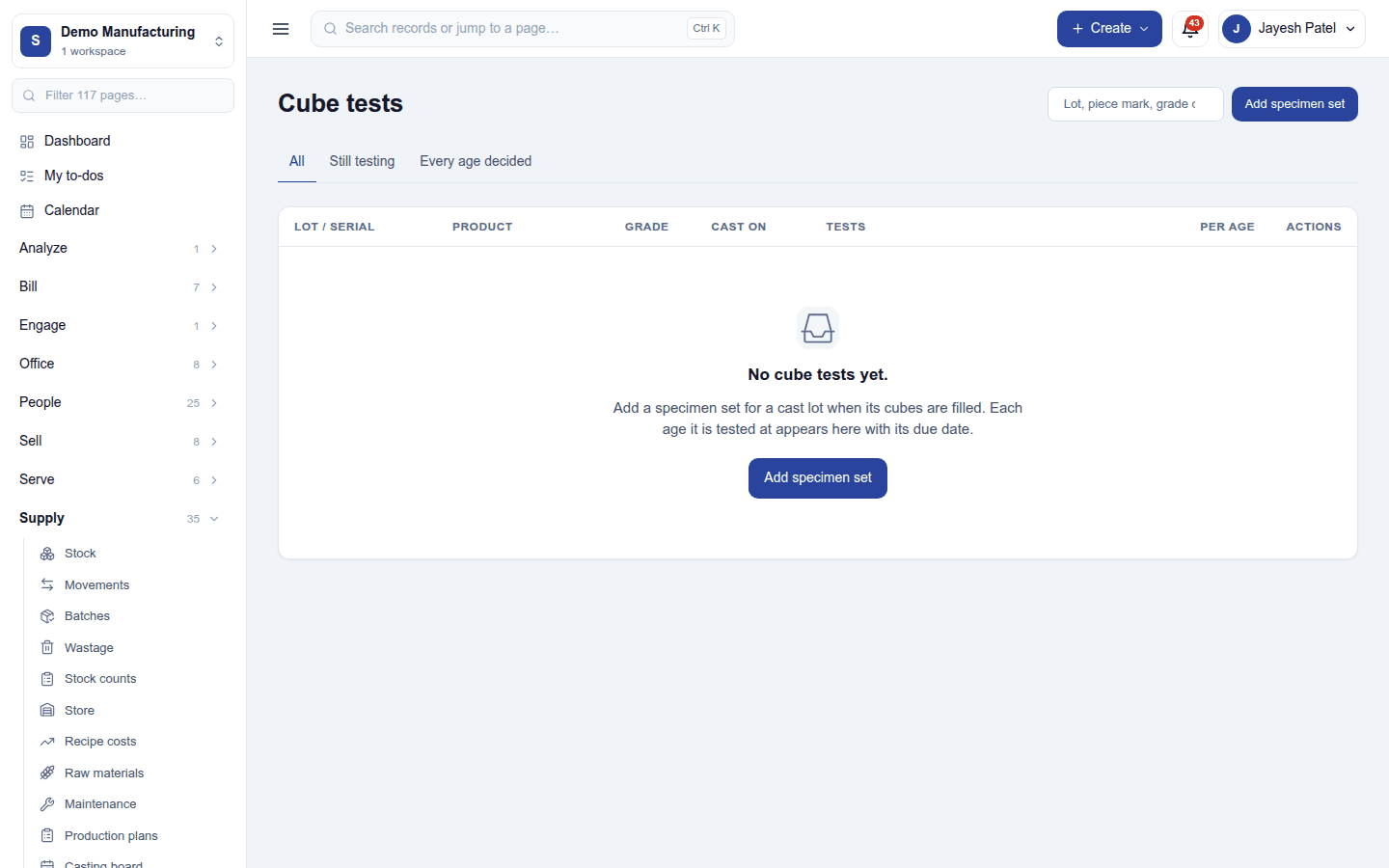
- Cube tests: test specimens taken from a production lot (for example concrete cubes) and tested at set ages (say 7 and 28 days), each age due on its day and judged against the target on its control point. Add specimen set for a lot.
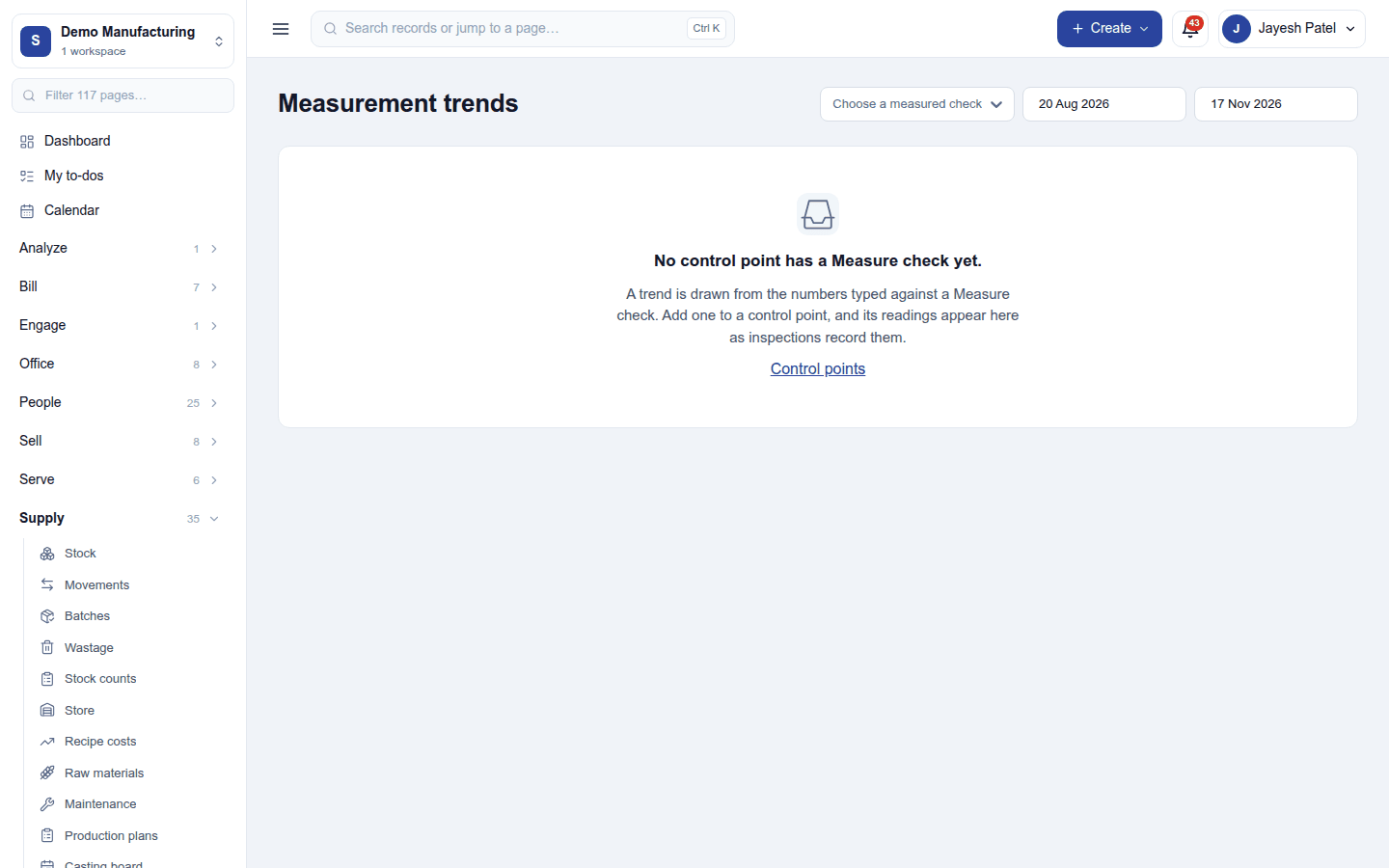
- Measurement trends: the readings typed against a measured check, drawn over a period, to see a process drifting before it fails.
Settings
Settings → Quality:
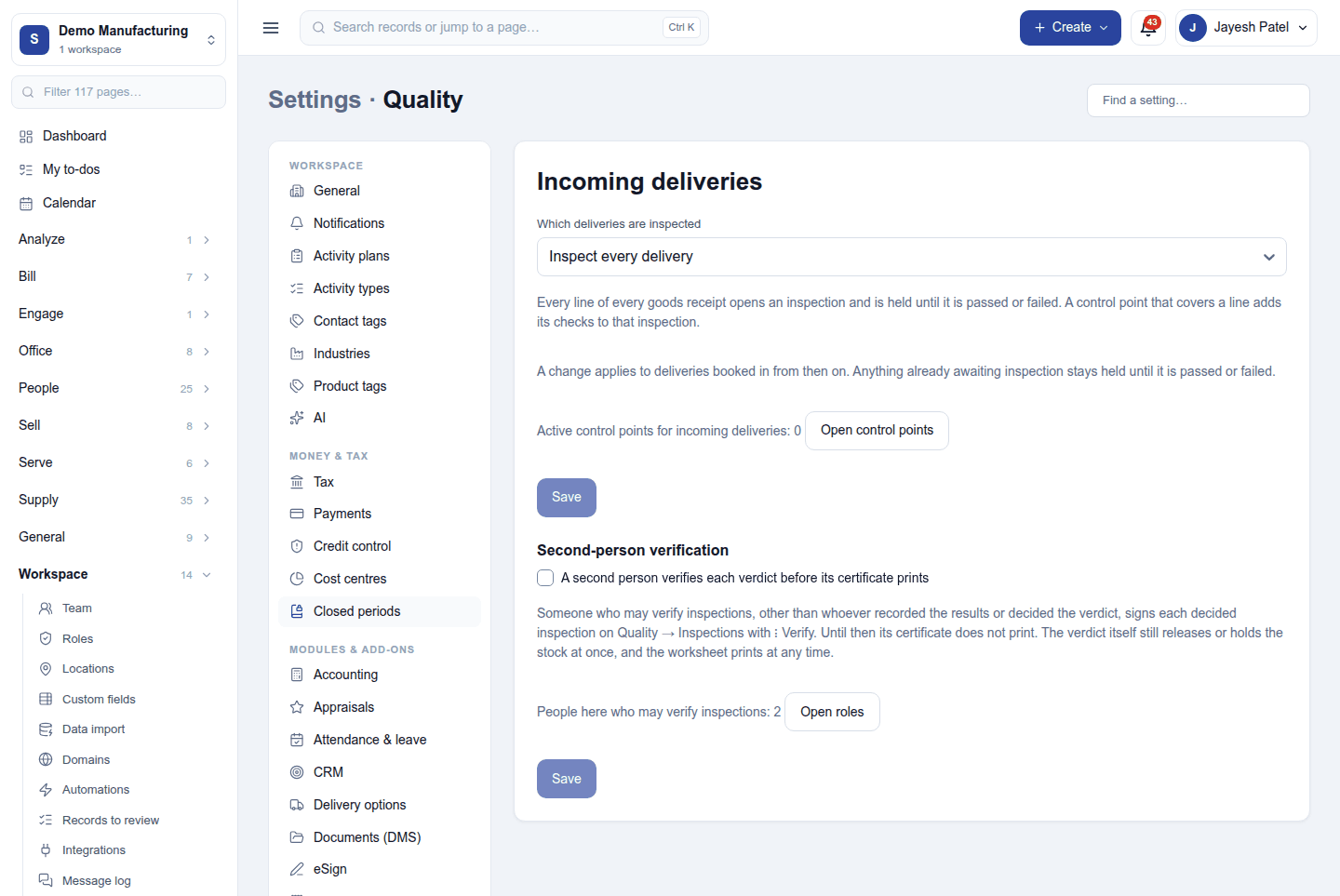
| Setting | What it does |
|---|---|
| Which deliveries are inspected | Only those a control point covers, or every delivery (each receipt line opens an inspection and is held). Applies to deliveries booked from then on. |
| Second-person verification | A second person, who may verify and did not record or decide it, signs each decided inspection (Verify) before its certificate prints. The verdict itself releases or holds the stock at once. |
Permissions
| Permission | Allows |
|---|---|
View quality (quality.view) |
See inspections, checks, NCRs, tests and trends. |
Manage quality (quality.manage) |
Record and decide inspections, keep control points, raise and work NCRs. |
Verify inspections (quality.verify) |
Sign a decided inspection as checked by a second person. |
Ready-made automations
| Name | Kind | What it does | Starts |
|---|---|---|---|
| Tell me when a non-conformance is raised | Rule | Tells the workspace owner about each new non-conformance report. | On |
| Remind the owner of a non-conformance due tomorrow | Rule | The day before a non-conformance is due, tells the person it is assigned to. | On |
Turning it off
The quality screens leave the menu, and deliveries and runs stop raising inspections; stock already held stays held until released. Inspections and NCRs are kept.
In the desktop and mobile apps
Not carried.