







































SMS (MSG91)
Sends text messages from the workspace's own DLT-registered sender ID, through the workspace's own MSG91 account. Credits are bought in packs and never expire.
| At a glance | |
|---|---|
| Type | Add-on module |
| Group | Engage |
| Price | ₹100 for a pack of 1,000 SMS (list price) |
| Provides | Send SMS |
| Needs | Nothing |
| Offered to | Every industry pack |
| Permission | Manage add-ons (addons.manage) |
What it does
SMS (MSG91) gives the workspace the Send SMS capability. Every part of the product that can text someone uses that capability, never this add-on by name. So the same add-on serves a POS pickup message, an event reminder and an automation.
It is the Indian route: messages go out under a 6-character header registered on the DLT platform, as Indian transactional SMS must. For sending abroad, or without DLT registration, use SMS (Twilio). Both provide the same capability, so a workspace can hold both (see Two SMS providers below).
Switching it on
- Go to Workspace → Modules and set the filter to Add-on modules. SMS (MSG91) is under Engage.
- Open its ⋮ menu and choose Enable.
- Fill in the dialog (below) and press Enable. Texting works straight away.
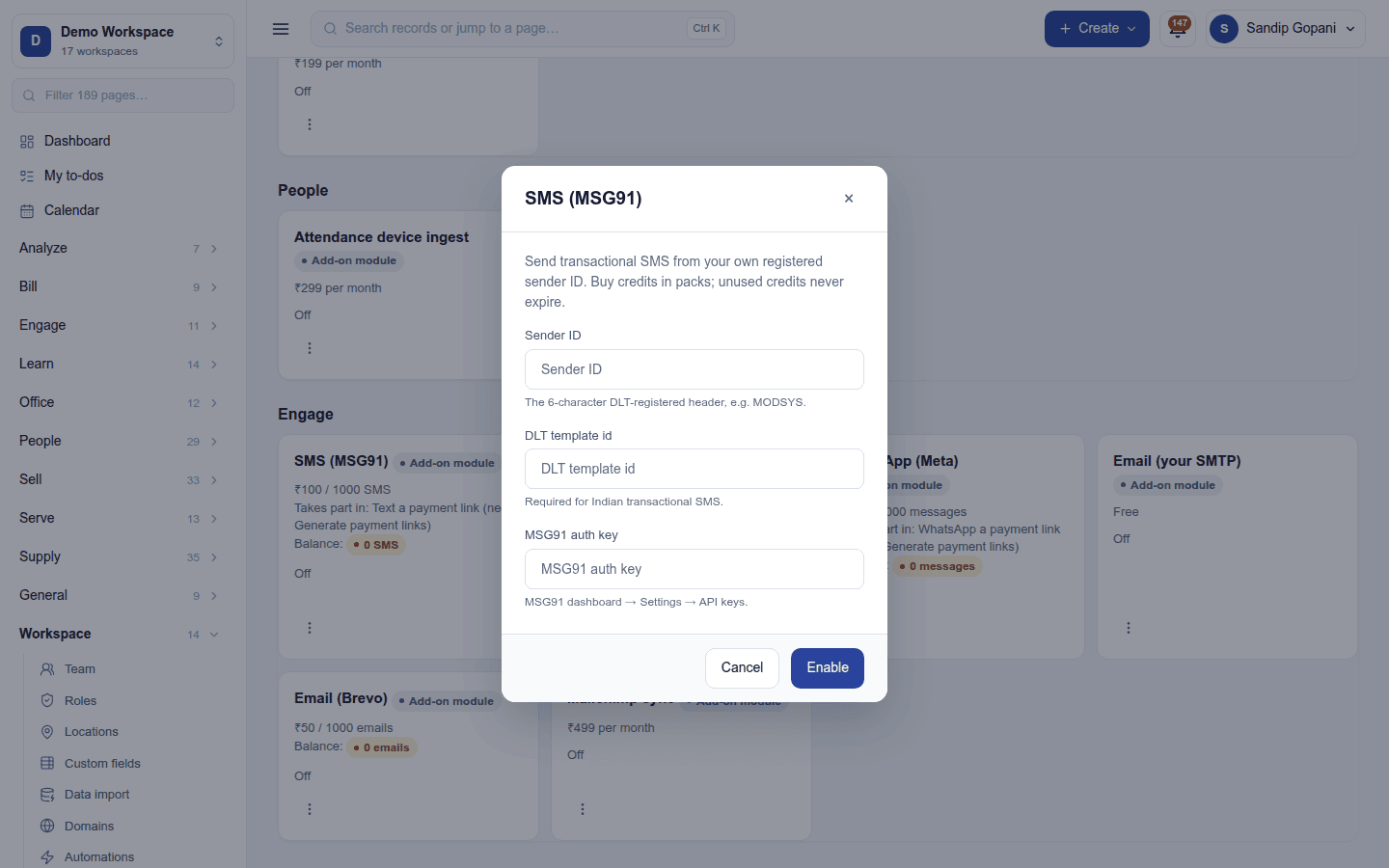
| Field | Required | What to enter |
|---|---|---|
| Sender ID | Yes | The 6-character DLT-registered header, for example MODSYS. |
| DLT template id | No | The DLT template id. Indian transactional SMS needs one. |
| MSG91 auth key | Yes | From the MSG91 dashboard → Settings → API keys. |
The auth key is write-only: once saved, the dialog only says one is on file, and leaving the box blank keeps it. Configure on the ⋮ menu reopens the dialog to change the sender or template.
Where it is used
Once the workspace can send SMS, these appear or start working:
- Settings → Notifications → SMS templates: the wording of each message, with its DLT template id (SMS templates).
- Automations: the Send a text message action, and Text a payment link when Payment links is also on.
- Campaigns: the SMS channel, so a campaign can go out as a text message.
- POS: the your order is ready text to a pickup customer.
- Events: messages and reminders to attendees by SMS.
- LMS: messages to learners.
- eSign: a one-time code by SMS before a signer can sign.
- Marketing automation and surveys: SMS steps in a journey and SMS survey invitations.
Messages respect the workspace's quiet hours. Every send is listed in Workspace → Message log.
Credits and billing
SMS is paid per use, from a credit balance kept for the Send SMS capability (not for this provider):
- A plan may include an allowance (for example 500 SMS a month). It resets at each renewal and unused units do not roll over.
- Packs bought on top never expire.
- Spending takes from the allowance first, then from packs.
- When the balance reaches zero, sending stops. Nothing can run up a bill that has not been paid. The card shows the balance, highlighted when it runs low, and the workspace owner gets one warning email the first time it drops under 50.
- A message the provider rejects is not charged, and a retried send is charged once.
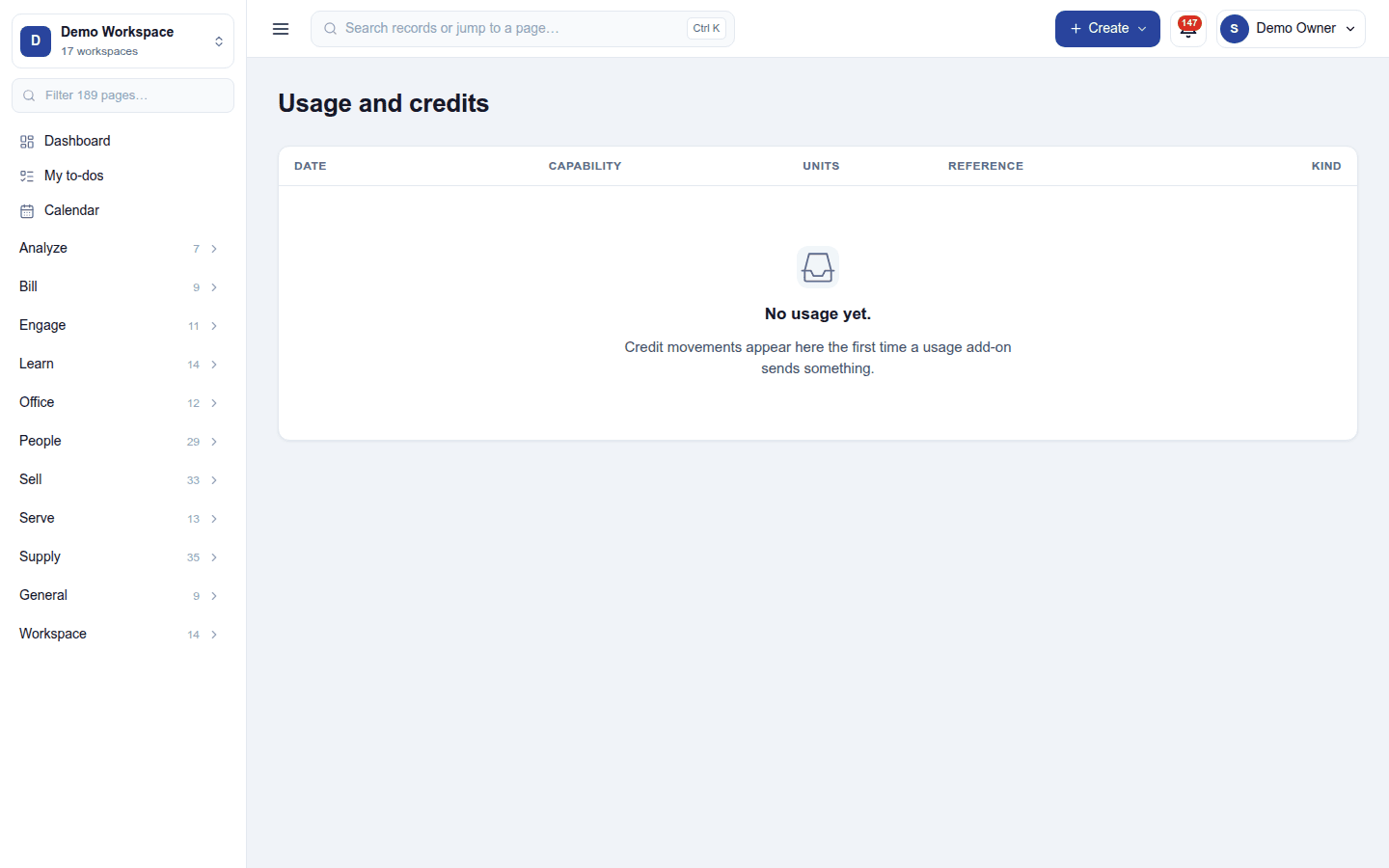
Usage and credits on the Modules screen lists every credit movement.
Two SMS providers
SMS (MSG91) and SMS (Twilio) provide the same capability. When both are on, exactly one is the serving provider and its card carries a Default badge. The second one switched on starts as a stand-by and never takes sending over by itself. To switch, choose Make default on the stand-by's ⋮ menu. Credits are unaffected, because they belong to the capability.
Turning it off
Turn off on the ⋮ menu asks first: Anything that depends on it stops working, including automations that use it. Its settings are kept. Switching it back on later does not mean typing the keys again. An add-on module included with the plan cannot be turned off.
Ready-made automations
| Name | Kind | What it does | Starts |
|---|---|---|---|
| Text the customer when an order is completed | Rule | Sends a thank-you SMS when an order is completed. | Off, because each SMS uses credits |
In the desktop and mobile apps
Nothing to set up in the apps. A message the server sends (a pickup text from the till, for example) uses the workspace's provider like any other send.