







































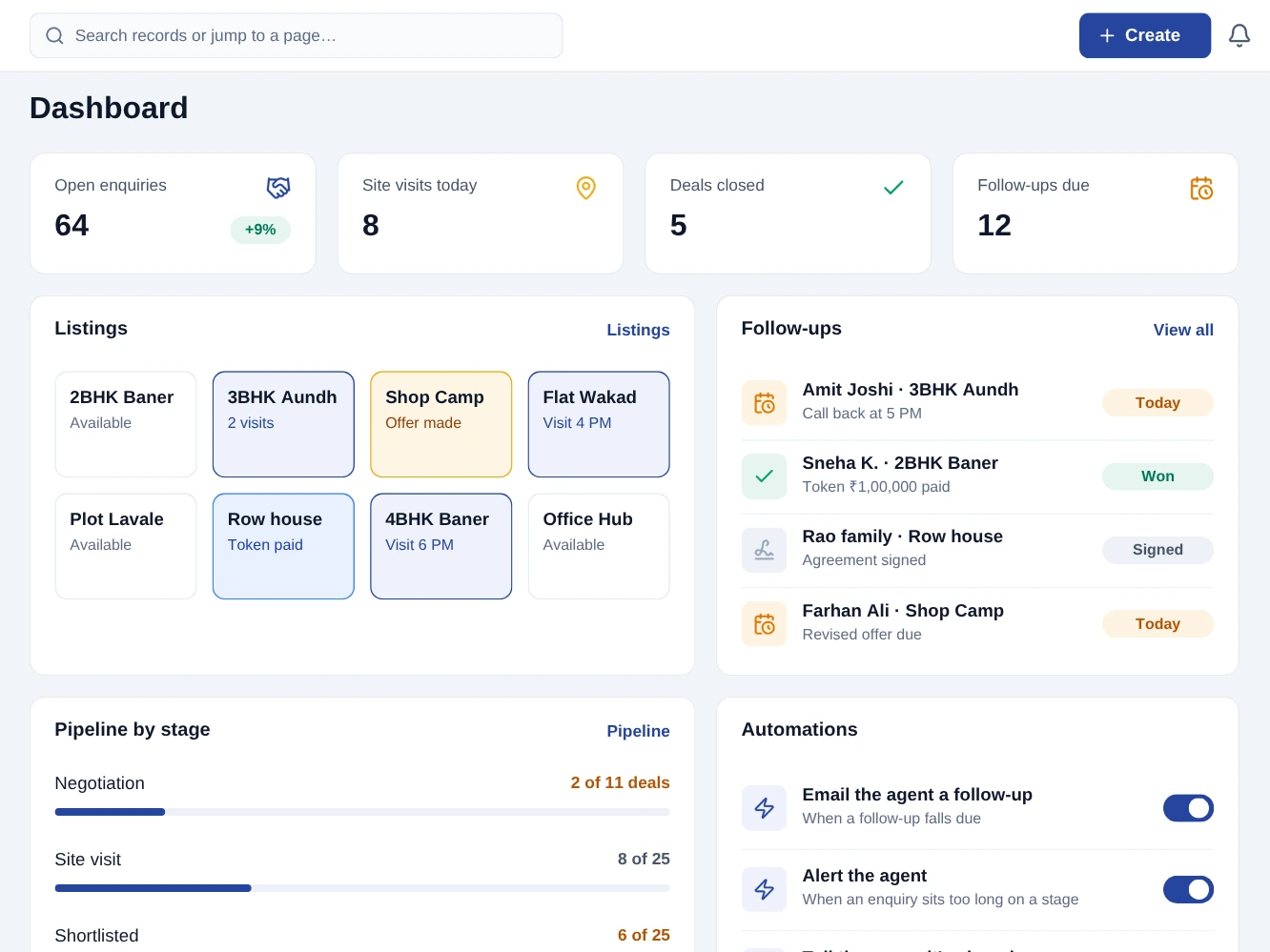
From the first task to the day's closing balance.
New enquiries
Each call or walk-in becomes an enquiry with buy or rent, type, locality and budget.
Site visits
Each visit is scheduled on the enquiry as a site visit and shows on the agent’s calendar.
The shortlist
The properties a buyer asked about are added to their enquiry from the listings you hold.
Deal closed
The brokerage quote is accepted and invoiced, and the agent’s commission awaits approval.
Everything this pack does.
No asterisks, no "available on request". If it is listed here, it is in the pack on the day you start.
The 9 modules in this pack
Each one opens its guide: what it does, switching it on, its screens and settings, who may use it and its automations.
 CRM
 Quotations
 Commissions
 Campaigns
 Documents (DMS)
 eSign
What you can do with it
- Follow-ups Calls and meetings scheduled on the lead, on the owner’s calendar.
- Pipelines with your own stages
- Versioned quotes with negotiated line pricing
- Country-correct tax on every line
- Gateway checkout and shareable payment links
- A rate per person
- Audiences from live customer data
- Folders with access control
- Envelopes with ordered signers
- Reports across every enabled module
What's included, whichever plan you choose.
Automations that do the chasing.
Screens your staff learn in an afternoon.
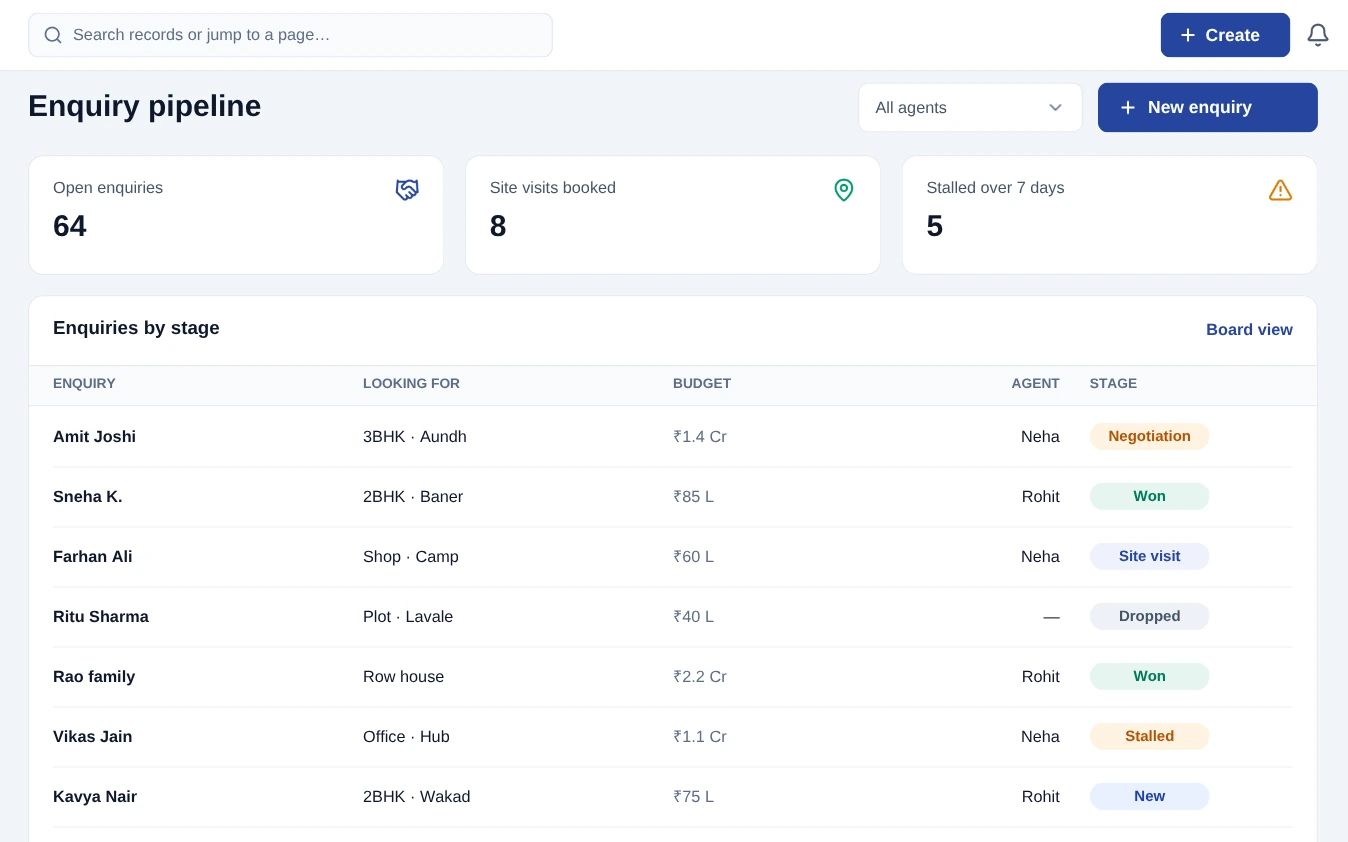
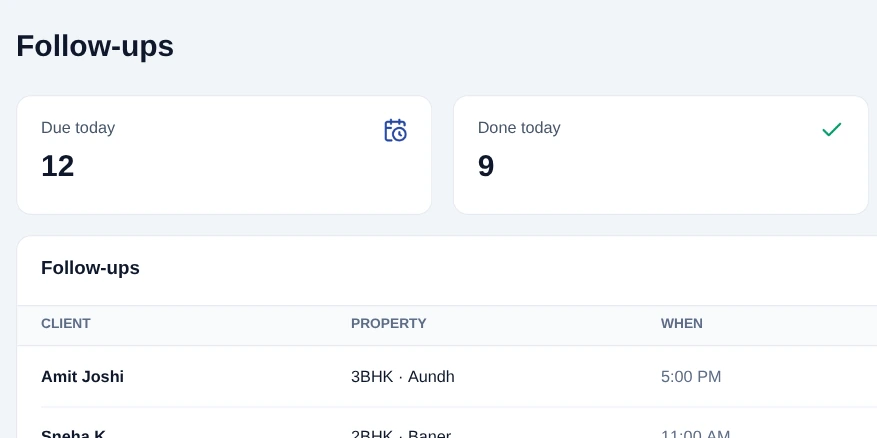

Property broker on desktop and mobile.
The Property broker app runs on Windows, macOS, Android and iOS and carries the day-to-day work. It opens with no internet and syncs the moment you are back online.
- Opens with no internet, with everything you synced
- Phones, kitchen screens and printers talk over your own Wi-Fi
- Your work sends itself when the connection returns
The paperwork, already in the right format.
Signed agreements - Brokerage agreements are signed online, and the signed PDF is kept with the request.
Commission record - A commission earned on an accepted deal names its order, and is approved before it is marked paid.
Consent to contact - Campaigns leave out anyone on do-not-disturb or who has opted out.
Tax & invoicing - GST on brokerage from the tax groups you set, on invoices numbered in sequence.
Priced for your business, not an enterprise.
Per workspace, per month. Migration, training, updates and support are in the price - there is no implementation invoice at the end.
The essentials to run the day.
The whole pack, for a growing team.
All prices exclude applicable taxes.
Add-on modules
One capability each, on top of this pack. Add only what you use, and cancel any of them from settings.















Pricing questions
Do part-time or seasonal staff cost a full seat?
Team-member limits count active members, so a seat you deactivate in the off-season stops counting against your plan. Reactivating keeps all their history.
How does multi-pack pricing work?
A plan is per workspace, not per pack. A workspace pays for one plan, and can use the modules that plan includes.
What payment methods do you accept?
Cards, netbanking, UPI and auto-debit mandates for renewals. A tax invoice is issued automatically against your registered details.
Will the price go up at renewal?
Your rate is locked for as long as you stay subscribed on the same plan. If we raise list prices, existing customers keep theirs.
Refunds?
Annual plans can be cancelled within 30 days for a full refund. After that we refund the unused whole months. Full terms are in the refund policy.
Read how it works before you start.
Every module in this pack has a guide, with its screens and settings. The help centre covers getting started, automations and billing.
Teams on this pack often add these too
Contractors & site projects
Bills of quantities, the client’s work order, daily progress on site, RA bills and retention money - for civil and interior contractors, architects and interior designers, and solar installers.
Services & appointments
Bookings, quotes, contracts, timesheets and no-show follow-up.