







































eSign
Sends documents for signature and keeps the signed copies: signers in order, emailed (or WhatsApp) sign links, an optional texted code, reminders and expiry, templates with fields placed for each signer, a public template link, and an audit trail on every signed document.
| At a glance | |
|---|---|
| Type | Business module |
| Group | Office |
| Needs | Nothing to switch on; links go out through an email sender, and optionally SMS or WhatsApp |
| Included in | Trusts & non-profits, Clinics, Services & appointments, Professional practice, Event planner, Property broker, Corporate training, Vet clinic |
| Offered to | Every industry pack |
| Permissions | View signature requests (esign.view), Manage signature requests (esign.manage) |
Switching it on
Workspace → Modules → eSign → Enable (needs Manage modules). eSign appears under Office, and Settings gains its page.
Signature requests
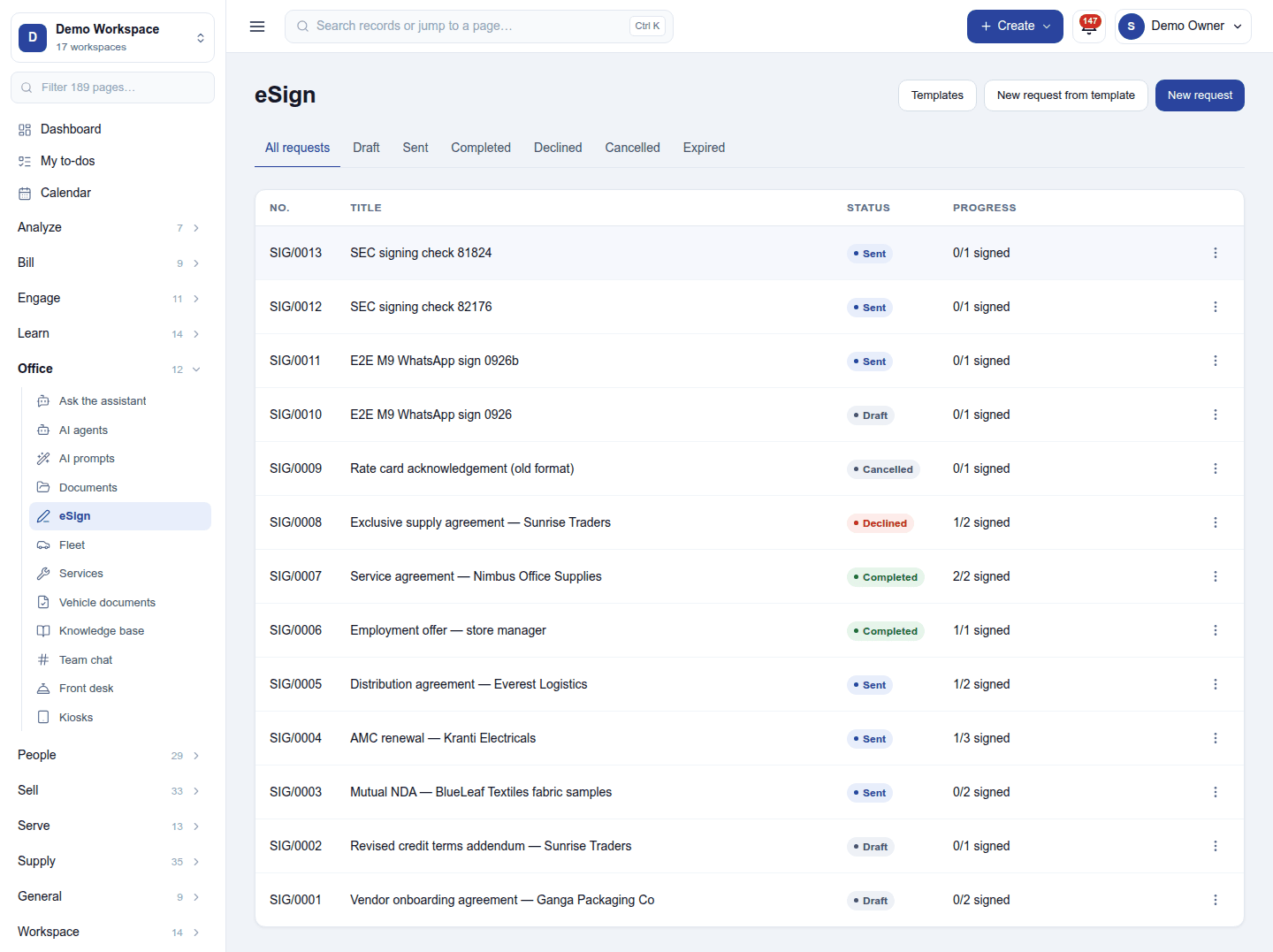
Office → eSign lists each request (SIG/0013) with its title, status (Draft, Sent, Completed, Declined, Cancelled, Expired) and progress (1/2 signed). New request (or New request from template):
- Pick the PDF, from the File Manager or a record.
- Add signer for each person, in signing order, with their email (and phone for a texted code or WhatsApp).
- Write the message to signers, set the expiry and reminders.
- Send: the first signer is emailed their link; the next is emailed when it is their turn.
A signer opens the link, reads the document, signs (drawn or typed) or declines with a reason. When everyone has signed, the signed PDF with its audit trail (who, when, from where) is kept and sent to all.
A request can also be raised from a quotation, contract or other record (Request signature on its menu).
Templates
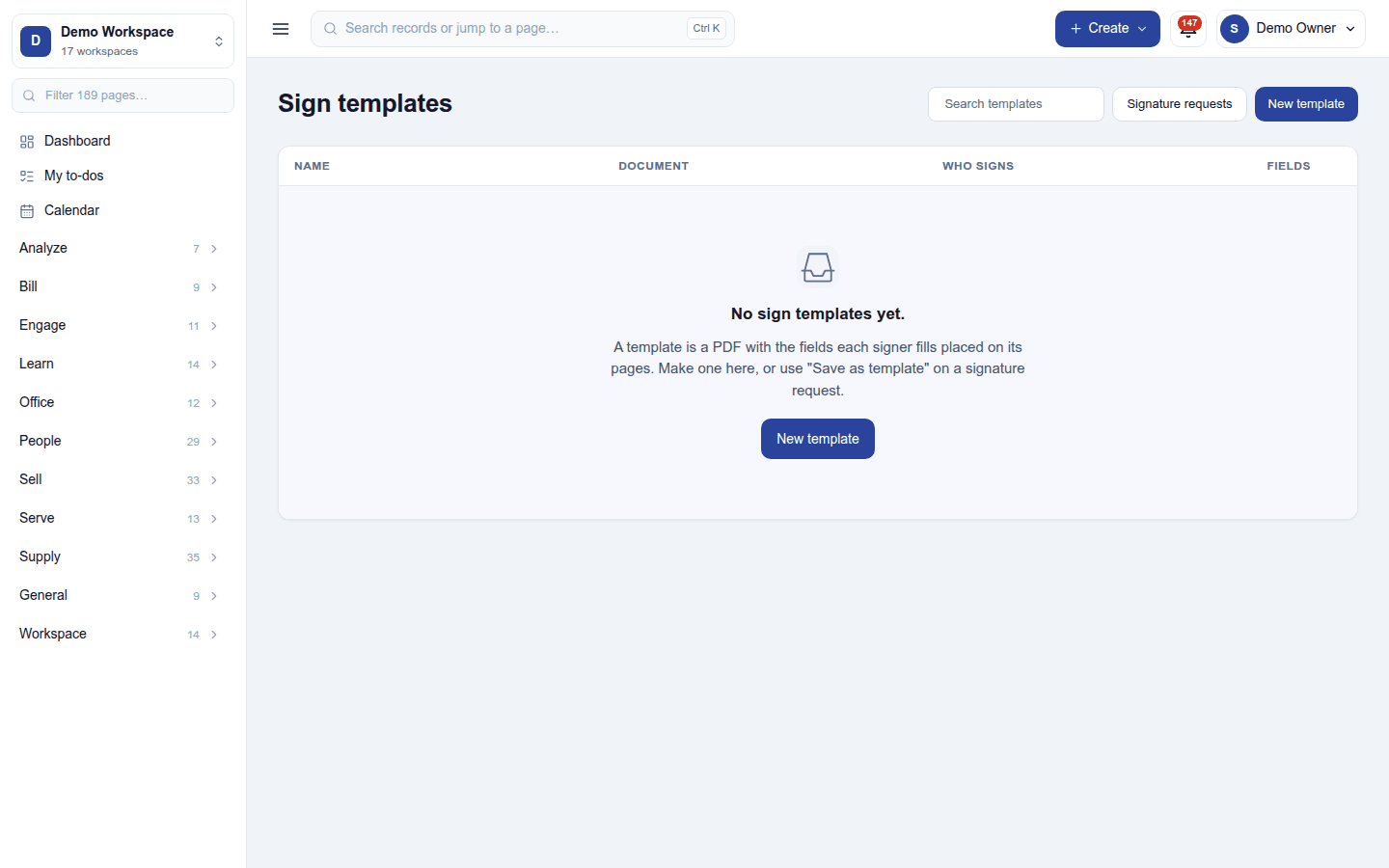
Sign templates keep a PDF sent again and again, with each signer's role and the fields placed on its pages (signature, date, name, text). Save as template on a request makes one. A template can have a public link so people start their own signing.
Settings
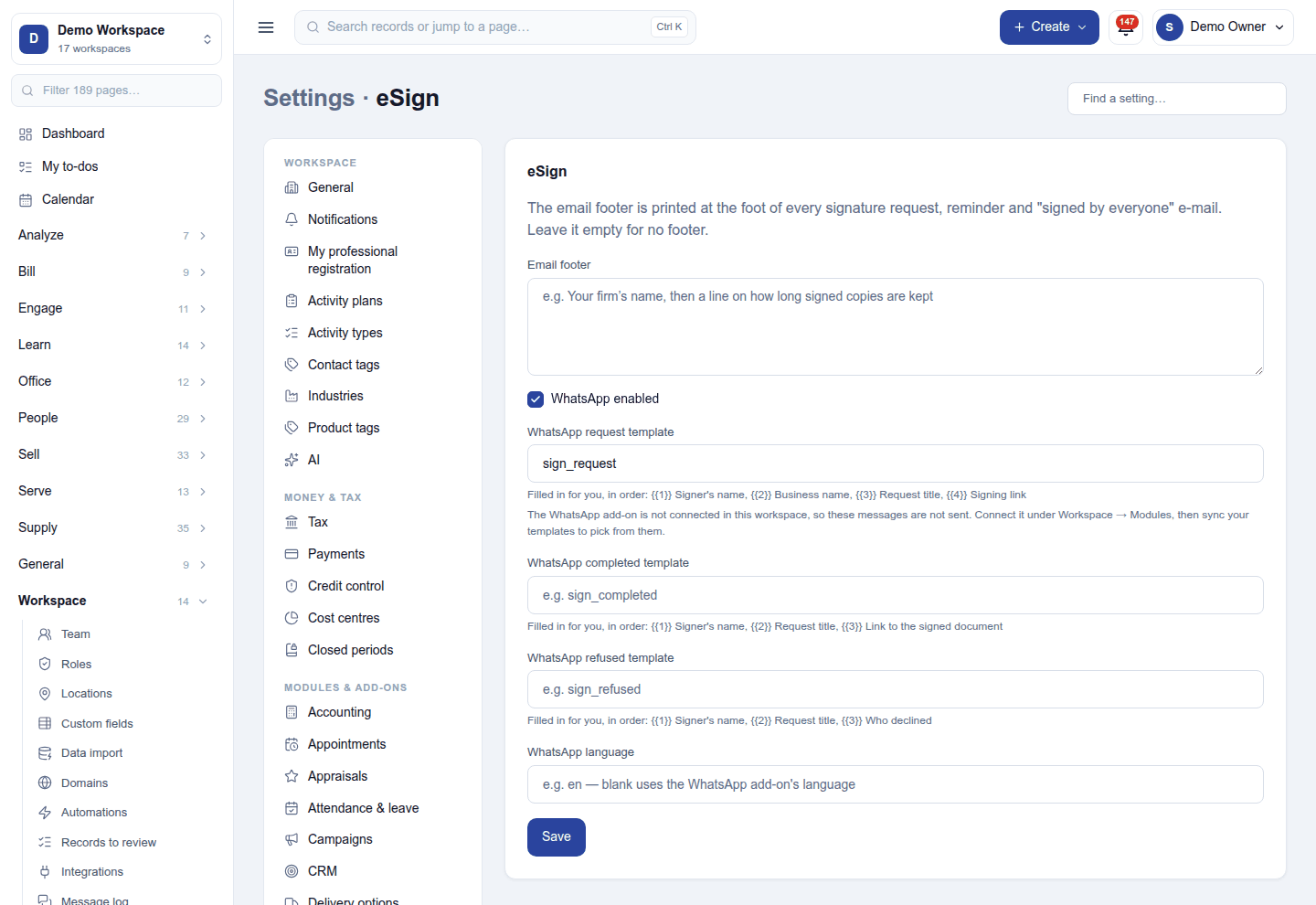
Settings → eSign:
| Setting | What it does |
|---|---|
| Email footer | Printed at the foot of every request, reminder and signed by everyone email. |
| WhatsApp enabled | Also sends sign links on WhatsApp, with the request, completed and refused templates and their language. |
Permissions
| Permission | Allows |
|---|---|
View signature requests (esign.view) |
See documents sent for signature and their progress. |
Manage signature requests (esign.manage) |
Send documents for signature, remind, cancel, and keep templates. |
Ready-made automations
| Name | Kind | What it does | Starts |
|---|---|---|---|
| Tell me when a signature is declined | Rule | Tells the person who sent a document for signing when it is declined. | On |
| Remind me of unsigned documents about to expire | Rule | Two days before a sent document expires unsigned, tells the person who sent it. | On |
Turning it off
eSign leaves the menu and sign links stop opening. Signed documents stay in the File Manager.
In the desktop and mobile apps
Not carried.