







































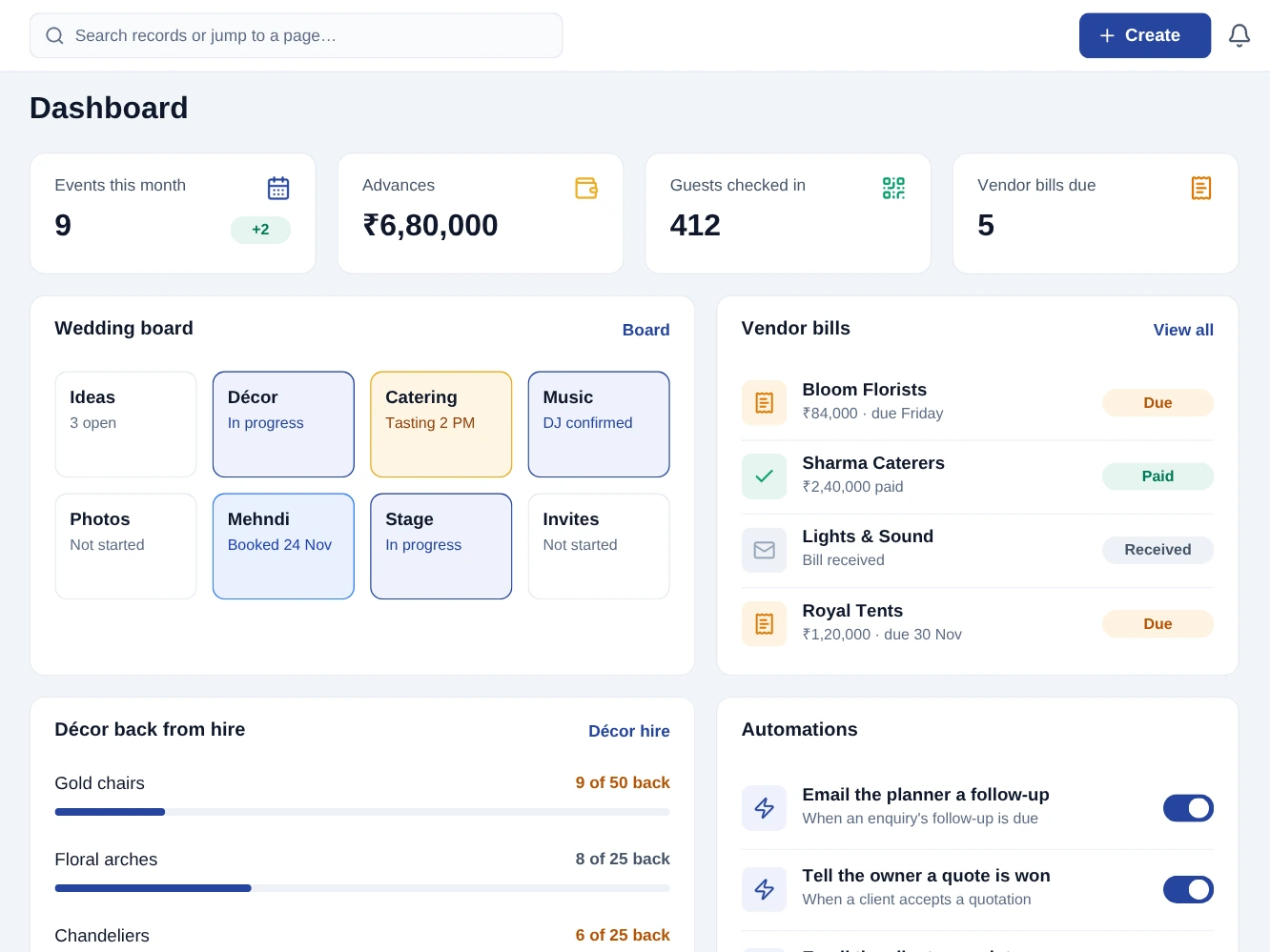
From the first task to the day's closing balance.
Enquiries
Each enquiry carries its date, guest count and event type, and the follow-up is scheduled.
Vendors booked
Orders go to the caterer, florist and tent house, and their bills are recorded against them.
Countdown
The event’s tasks move across its board, and each deadline shows on its owner’s calendar.
At the venue
Guests on the event’s list are checked in at the door by their code, scanned or typed.
Everything this pack does.
No asterisks, no "available on request". If it is listed here, it is in the pack on the day you start.
The 12 modules in this pack
Each one opens its guide: what it does, switching it on, its screens and settings, who may use it and its automations.
 CRM
 Quotations
 Rental
 Expenses
 Purchasing
 Inventory
 Projects
 Events
 eSign
What you can do with it
- Follow-ups Calls and meetings scheduled on the lead, on the owner’s calendar.
- Pipelines with your own stages
- Versioned quotes with negotiated line pricing
- Availability calendar per item
- Country-correct tax on every line
- Gateway checkout and shareable payment links
- Receipt capture on the expense
- Vendor records with terms, bank details and tax ids
- Multi-location stock with transfers
- Projects and tasks with statuses
- Events with capacity limits
- Envelopes with ordered signers
- Reports across every enabled module
What's included, whichever plan you choose.
Automations that do the chasing.
Screens your staff learn in an afternoon.
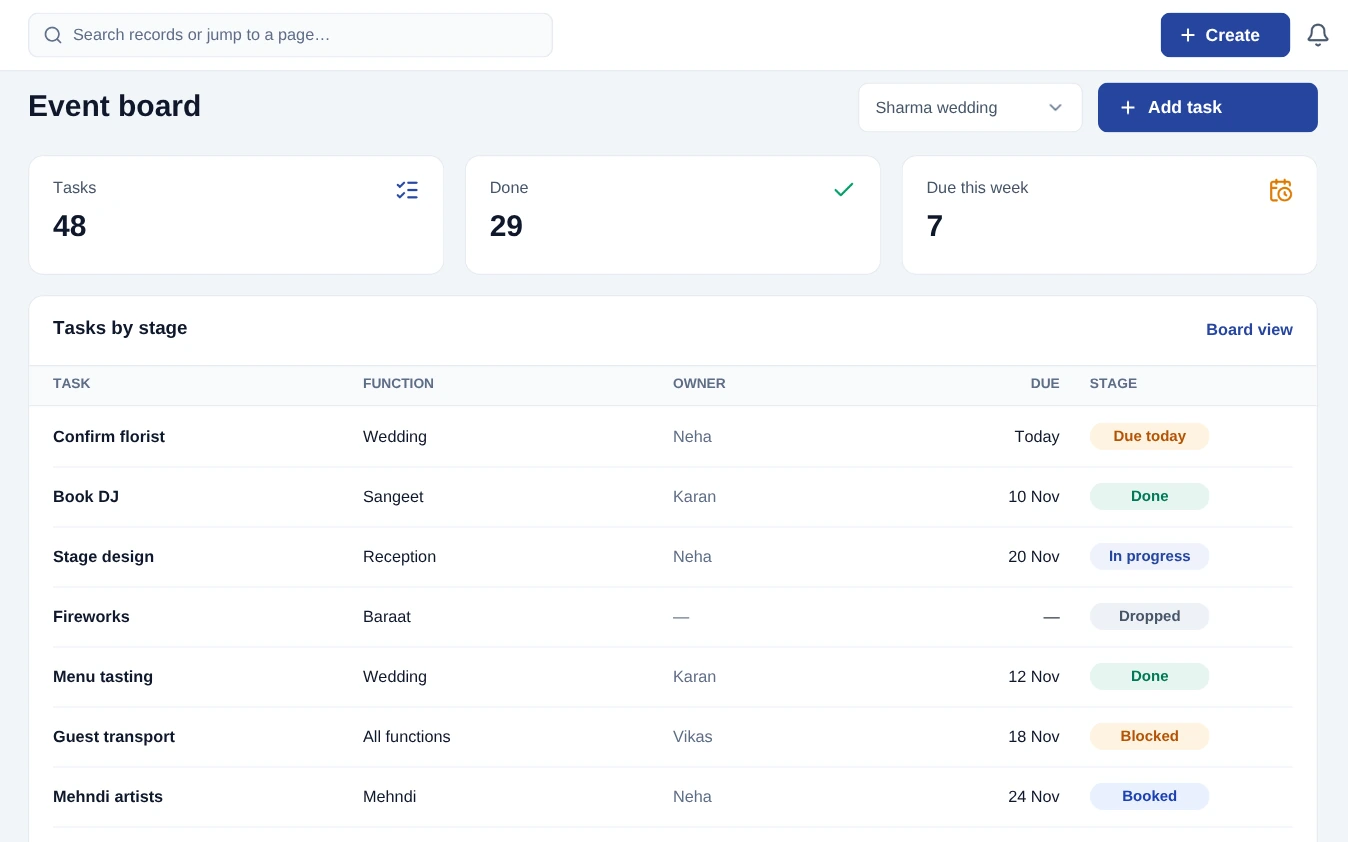
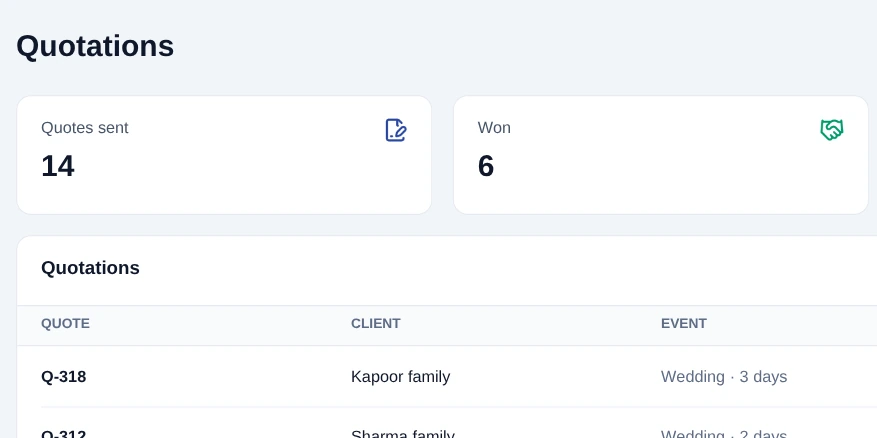

Event & wedding planner on desktop and mobile.
The Event & wedding planner app runs on Windows, macOS, Android and iOS and carries the day-to-day work. It opens with no internet and syncs the moment you are back online.
- Opens with no internet, with everything you synced
- Phones, kitchen screens and printers talk over your own Wi-Fi
- Your work sends itself when the connection returns
The paperwork, already in the right format.
Client agreement - The event agreement is signed online, and the signed PDF is kept with the request.
Vendor payables - Every vendor bill and payment is recorded against the supplier, so what is still owed is one list.
Advances - Booking advances are held on the client’s account and applied to the final bill.
Tax & invoicing - Tax on every line from the tax groups you set, on invoices numbered in sequence.
Priced for your business, not an enterprise.
Per workspace, per month. Migration, training, updates and support are in the price - there is no implementation invoice at the end.
The essentials to run the day.
The whole pack, for a growing team.
All prices exclude applicable taxes.
Add-on modules
One capability each, on top of this pack. Add only what you use, and cancel any of them from settings.















Pricing questions
Do part-time or seasonal staff cost a full seat?
Team-member limits count active members, so a seat you deactivate in the off-season stops counting against your plan. Reactivating keeps all their history.
How does multi-pack pricing work?
A plan is per workspace, not per pack. A workspace pays for one plan, and can use the modules that plan includes.
What payment methods do you accept?
Cards, netbanking, UPI and auto-debit mandates for renewals. A tax invoice is issued automatically against your registered details.
Will the price go up at renewal?
Your rate is locked for as long as you stay subscribed on the same plan. If we raise list prices, existing customers keep theirs.
Refunds?
Annual plans can be cancelled within 30 days for a full refund. After that we refund the unused whole months. Full terms are in the refund policy.
Read how it works before you start.
Every module in this pack has a guide, with its screens and settings. The help centre covers getting started, automations and billing.
Teams on this pack often add these too
Hotel / guest house
Rooms, rate calendars, folios, restaurant tabs and a clean check-out.
Restaurant
Kitchen tickets by station, table state, open tabs, recipe costing and a clean day close.
Travel agency & tour operator
Trip enquiries, package quotations, supplier bookings and bills, and the traveller’s passport and visa copies.